Clearance Item | Not available in all stores
Stocks are limited and not available in all stores. Purchase online today to secure your product. For more information, feel free to contact us using the
Contact Us page.
FINAL CLEARANCE
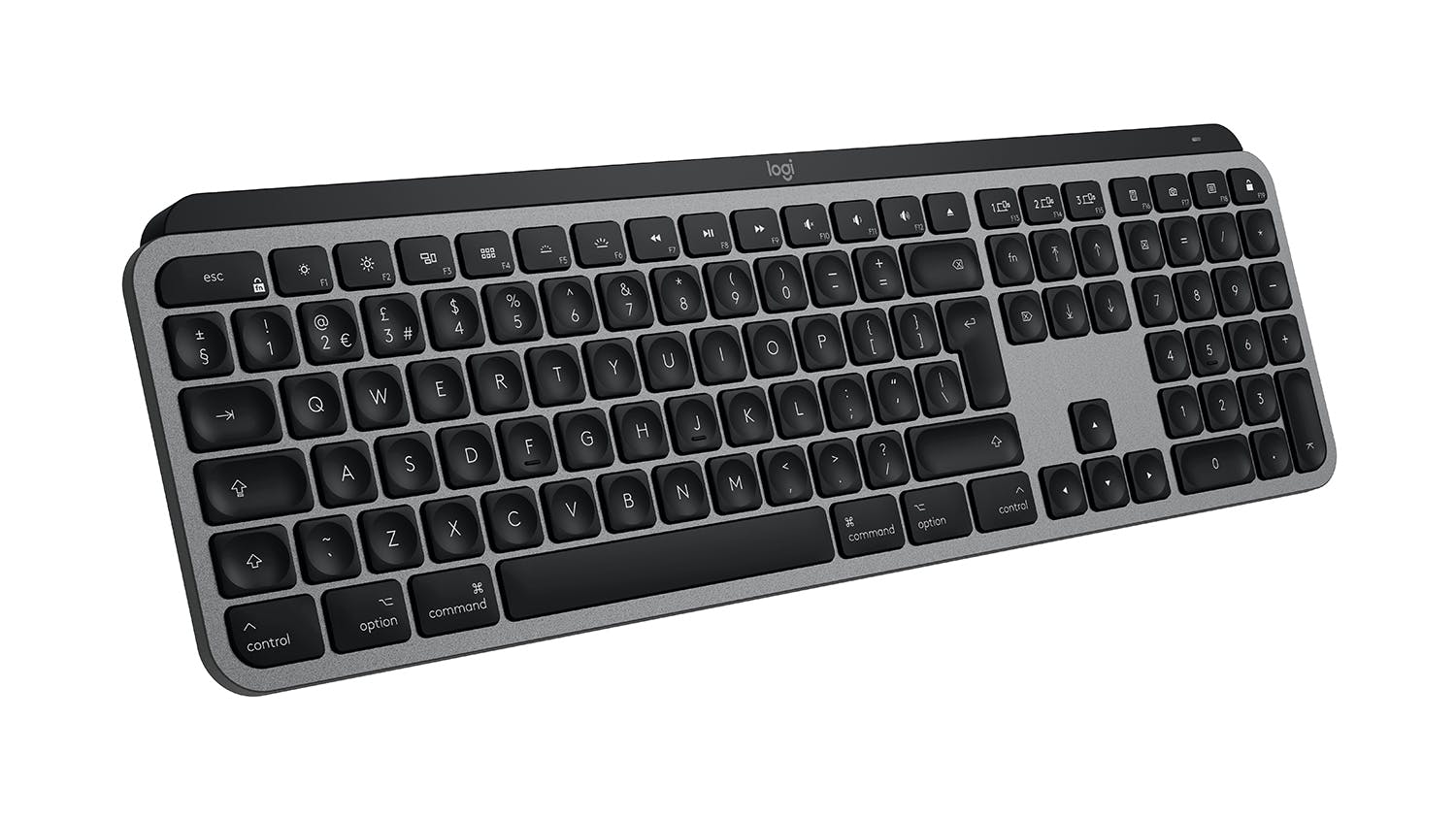
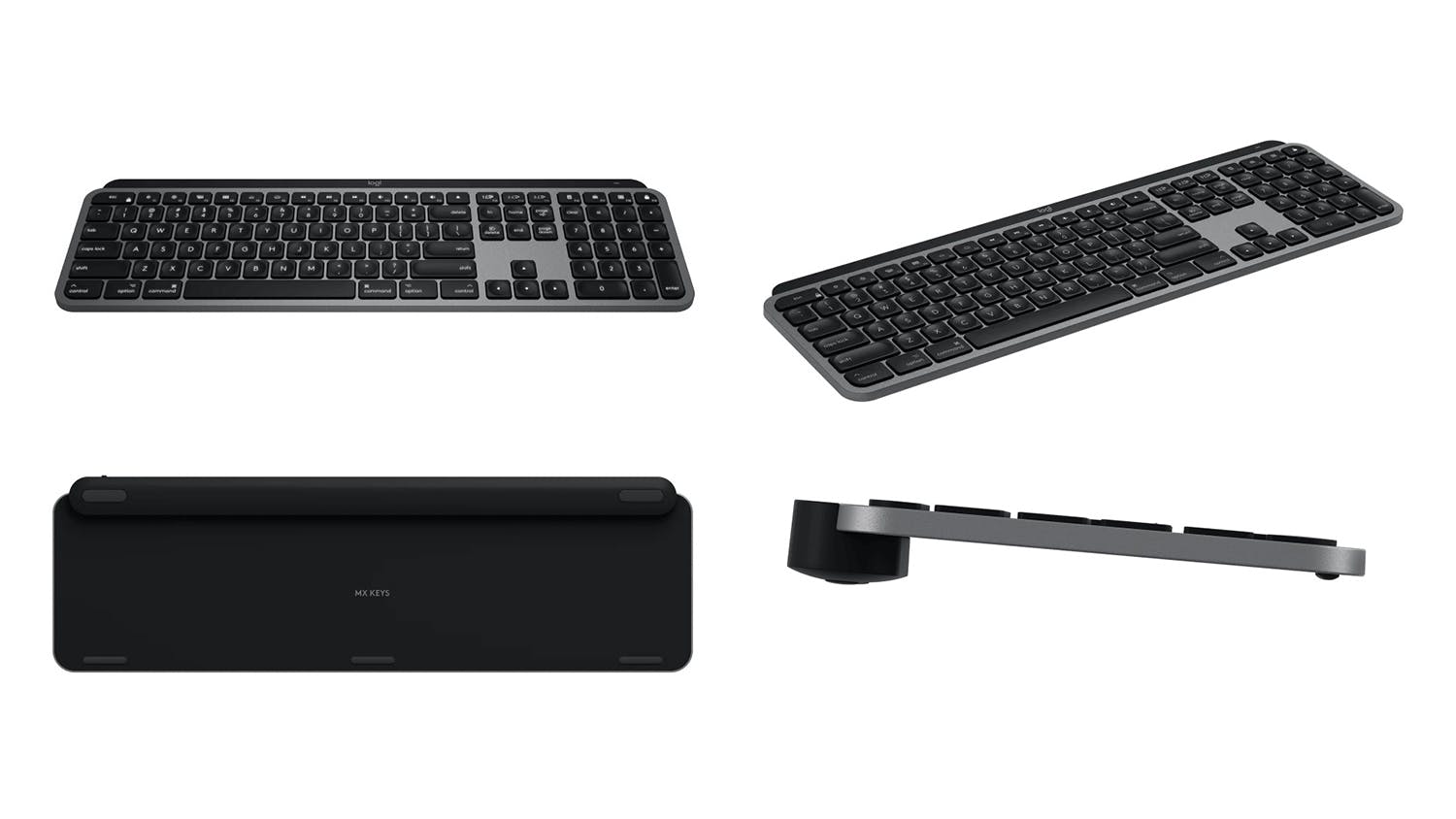
Maximise productivity with the Logitech MX Keys Wireless Keyboard for Mac. This device is the perfect companion for your Mac and iPad*, featuring an Easy-Switch™ button to toggle between three devices. With spherically shaped keys and Mac-specific laser printing, it delivers a smooth, effortless typing experience. Plus, it offers up to 10 days of productivity with backlighting or up to 5 months without it for added convenience.
Key Features
- Optimised for Apple: Designed specifically for Mac and iPad users, the Logitech MX Keys Wireless Keyboard ensures seamless performance, making multitasking between devices easier than ever.
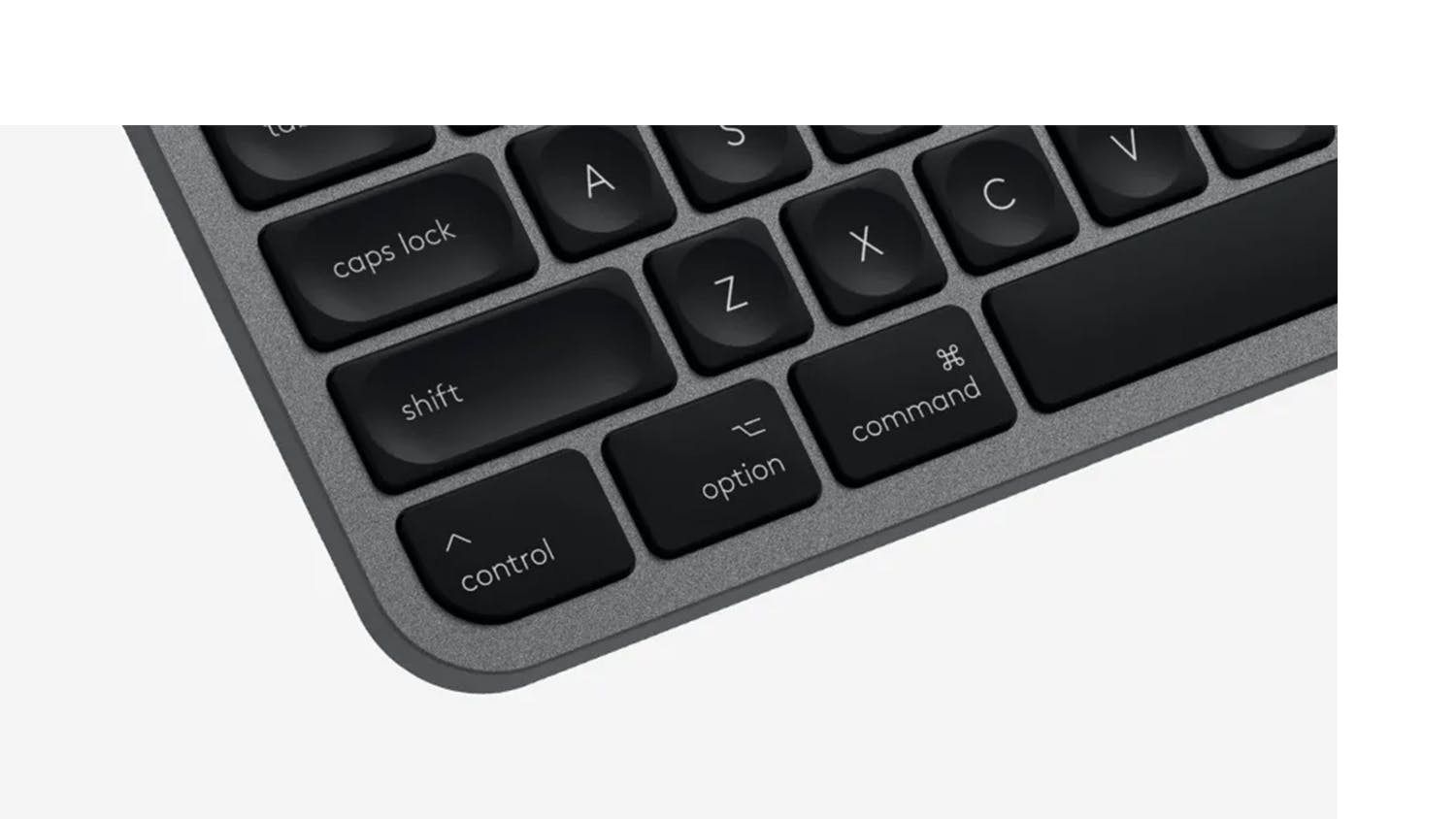
- Enhanced Typing Comfort: With its spherically shaped keys and Mac-specific laser printing, the Logitech MX Keys offers a smooth, tactile typing experience with a matte coating for effortless finger movement.
- Smart Illumination: The MX Keys have proximity sensors that activate backlighting when you approach and dim when you step away to save energy. The backlight is adjustable to adapt to your environment automatically, or you can set it manually to match your preferences.
- Refined Finish: Boasting a refined Space Gray finish, the Logitech MX Keys Wireless Keyboard perfectly complements your Mac setup, offering a cohesive, minimalist aesthetic.
- Hassle-Free Setup: This MX Keys Keyboard comes with a USB-C to USB-C charging cable, allowing a direct connection to your Mac without extra dongles.
- Seamless Workflow: This keyboard lets you work with up to three devices, easily switching between them using the Easy-Switch™ button. You can also transfer files, documents, and images across devices and macOS and Windows operating systems**.
- Battery Powerhouse: Stay productive longer since this keyboard for Mac offers up to 10 days of use on a full charge, or enjoy up to 5 months when backlighting is turned off***.
*Logitech MX Keys Wireless Keyboard in Space Grey only. Compatible devices are not included.
**Requires Logi Options+ software, available for macOS and Windows.
***Battery life may vary based on user and computing conditions.
Logitech MX Keys Wireless Keyboard for Mac - Black (Illuminated, 920-009560) is rated
4.8 out of
5 by
73.
Rated 5 out of
5
by
Jake29SP from
Excellent Build Quality & Feature Packed!
[This review was collected as part of a promotion.] I purchased this new keyboard with my MX Master 3 mouse for Mac and it has withstood and shone in performance under heavy daily CAD and drafting work. It feel beautiful to type on and it’s features are excellent. One feature of the keyboard I do really enjoy is the sensor that lights up the backlight when you raise your hands to it. My favourite feature above all else that also applies to the MX Master 3 mouse is the instant device switching feature that allows me to go from working on my Mac to my iPad Pro then to my windows pc. It’s a perfect idea and highly recommend it to all professional users.
Date published: 2021-02-18
Rated 5 out of
5
by
Anonymous from
The bee's knees of keys
[This review was collected as part of a promotion.] Mx keys has completely changed the way I work, I combine it it with the mx mouse using flow and now I can swap between laptops seamlessly and even copy files between devices - absolutely amazing!! As a stand alone keyboard it functions super smooth. Love how it lights up when you wave your hand over it - look great. Excellent battery life, I charge mine once a month with moderate use. And you can charge it while using it, which is definitely a plus. The build is solid and stable. Its expensive, but totally worth it, especially if combining with the mouse on flow. I cannot recommend it highly enough.
Date published: 2022-05-24
Rated 5 out of
5
by
njmh from
Excellent and highly customisable
[This review was collected as part of a promotion.] Very happy with this keyboard. It’s comfortable to use, has great customisation using the Logi Options app and looks great to boot. Only two things I don’t like: I wish I could assign custom actions to the F13-F15 keys without having to use the FN modifier and I’m not a fan of the icons printed on the F16-F19 keys. I’ve mapped custom actions to these keys and it’s a little irritating having icons that mean nothing to me permanently printed on them. Logi, you should leave these blank on a future version... also ditch the eject key (who actually needs it these days?) and add an additional F20 key instead.
Date published: 2021-04-27
Rated 5 out of
5
by
Pocketesq from
Fantastic keyboard
[This review was collected as part of a promotion.] I've been using this keyboard with my docking station to switch between two MacBook Pros (my work and my personal ones)and my phone and it does an amazing job seamlessly interacting with all of them. Feels great to type on as well. Far better than the native MacBook keyboard and I prefer it to the official branded wireless keyboards for Mac that I've used in the past- It just is a better build quality and looks nicer too :) Only con is it is a little pricey so i makes you hesitate to pull the trigger at first but given the amount of use I need it for I feel it's justifiable:)
Date published: 2022-02-05
Rated 5 out of
5
by
njmh from
Excellent and highly customisable
Very happy with this keyboard. It’s comfortable to use, has great customisation using the Logi Options app and looks great to boot. Only two things I don’t like: I wish I could assign custom actions to the F13-F15 keys without having to use the FN modifier and I’m not a fan of the icons printed on the F16-F19 keys. I’ve mapped custom actions to these keys and it’s a little irritating having icons that mean nothing to me permanently printed on them. Logi, you should leave these blank on a future version... also ditch the eject key (who actually needs it these days?) and add an additional F20 key instead.
Date published: 2021-04-27
Rated 5 out of
5
by
Jake29SP from
Excellent Build Quality & Feature Packed!
I purchased this new keyboard with my MX Master 3 mouse for Mac and it has withstood and shone in performance under heavy daily CAD and drafting work. It feel beautiful to type on and it’s features are excellent. One feature of the keyboard I do really enjoy is the sensor that lights up the backlight when you raise your hands to it. My favourite feature above all else that also applies to the MX Master 3 mouse is the instant device switching feature that allows me to go from working on my Mac to my iPad Pro then to my windows pc. It’s a perfect idea and highly recommend it to all professional users.
Date published: 2021-02-18
Rated 5 out of
5
by
Anonymous from
The bee's knees of keys
Mx keys has completely changed the way I work, I combine it it with the mx mouse using flow and now I can swap between laptops seamlessly and even copy files between devices - absolutely amazing!! As a stand alone keyboard it functions super smooth. Love how it lights up when you wave your hand over it - look great. Excellent battery life, I charge mine once a month with moderate use. And you can charge it while using it, which is definitely a plus. The build is solid and stable. Its expensive, but totally worth it, especially if combining with the mouse on flow. I cannot recommend it highly enough.
Date published: 2022-05-24
Rated 5 out of
5
by
Pocketesq from
Fantastic keyboard
I've been using this keyboard with my docking station to switch between two MacBook Pros (my work and my personal ones)and my phone and it does an amazing job seamlessly interacting with all of them. Feels great to type on as well. Far better than the native MacBook keyboard and I prefer it to the official branded wireless keyboards for Mac that I've used in the past- It just is a better build quality and looks nicer too :) Only con is it is a little pricey so i makes you hesitate to pull the trigger at first but given the amount of use I need it for I feel it's justifiable:)
Date published: 2022-02-05
Product Care
With Product Care
TM you can relax knowing Your purchase comes with additional protection.
Discover all the benefits Product Care
TM brings you:
Certainty
With Product CareTM you have certainty that your product is covered for a specific period of time. If, during the Product CareTM term, your product fails to operate as a result of an Eligible Fault*, we will provide a one-off replacement of Your Product.
Support
Our experienced support team ensures that the assessment, replacement or remedy process under your Product CareTM is a convenient experience. Whether you are experiencing a product fault or needing toll free technical assistance, our team is here to provide support every step of the way.
Advantage
Redeem exclusive Additional Benefits which will help you maintain your product and assist in an additional purchase.
There are exclusions and limitations to Product CareTM. This section should always be read in conjunction with the Terms and Conditions for Product CareTM.
Learn more about Product CareTM.