Loading...

Cricut® Buyer's Guide

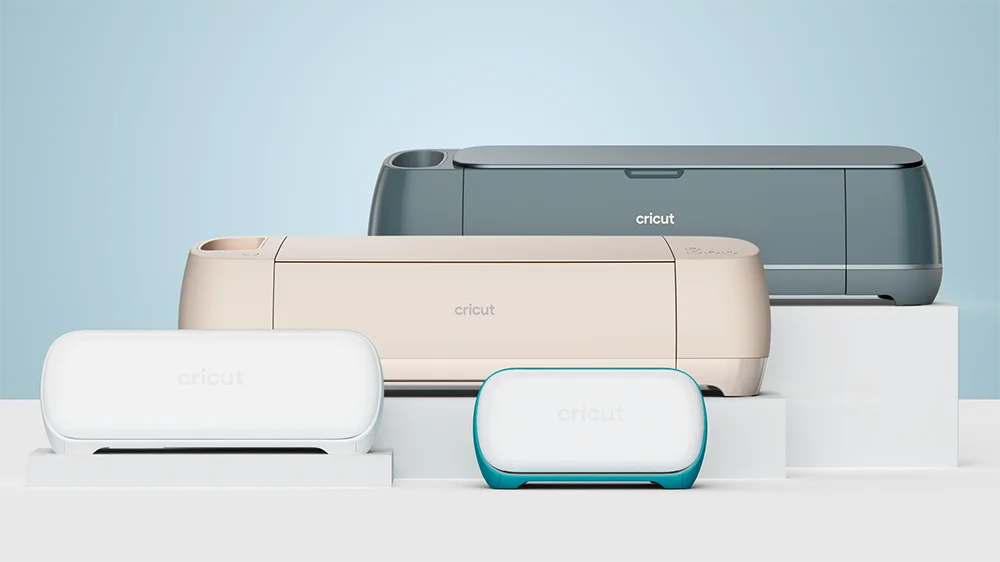
Cricut® helps you personalise almost anything, including clothing, mugs, water bottles, greeting cards, lunch boxes, and more.

Ready to create something unique? This guide will help you find the perfect Cricut® smart cutting machine that's just right for you.

A person's hands creating a design on a card with various craft items around them.

Which Cricut® machine is right for me?

Here are a few things to think about:

  • What will you make? For small and simple projects, Cricut Joy or Joy Xtra are perfect companions. If your projects are big and complex, Cricut Explore 4 or Maker® 4 are great choices.
  • Is size and portability important? Cricut Joy and Joy Xtra are compact and easy to store and take anywhere. Cricut Explore 4 and Maker® 4 are bigger and best to keep at home.
  • What's your budget: From the premium Cricut Maker® 4 to the more affordable Cricut Joy, there's a Cricut machine for every budget!

Cricut smart cutting machines

Let's find the right one for you!

Cricut Joy machine on a table with a drink bottle with a custom design on it.

Cricut Joy

Make custom labels, cards, and more in an ultra compact design.

  • Make basic projects like labels and cards
  • Ultra compact-size (4.5" max material width)
  • Cuts 50+ types of materials (e.g. Cards, Vinyl, Iron-On)
  • Works with 3 tools to cut, write, and foil
  • $: Budget Friendly
A cricut joy xtra machine with a custom design printing from it and some custom designs on drink bottles.

Cricut Joy Xtra

Make all the things, plus extra, in a compact form factor.
  • Make moderate level projects including custom stickers
  • Compact-size (8.5" max material width)
  • Cuts 50+ types of materials (e.g. Cards, Vinyl, Iron-On, Printable Iron-On, and Stickers)
  • Works with 3 tools to cut, write, and foil
  • $$: Moderate
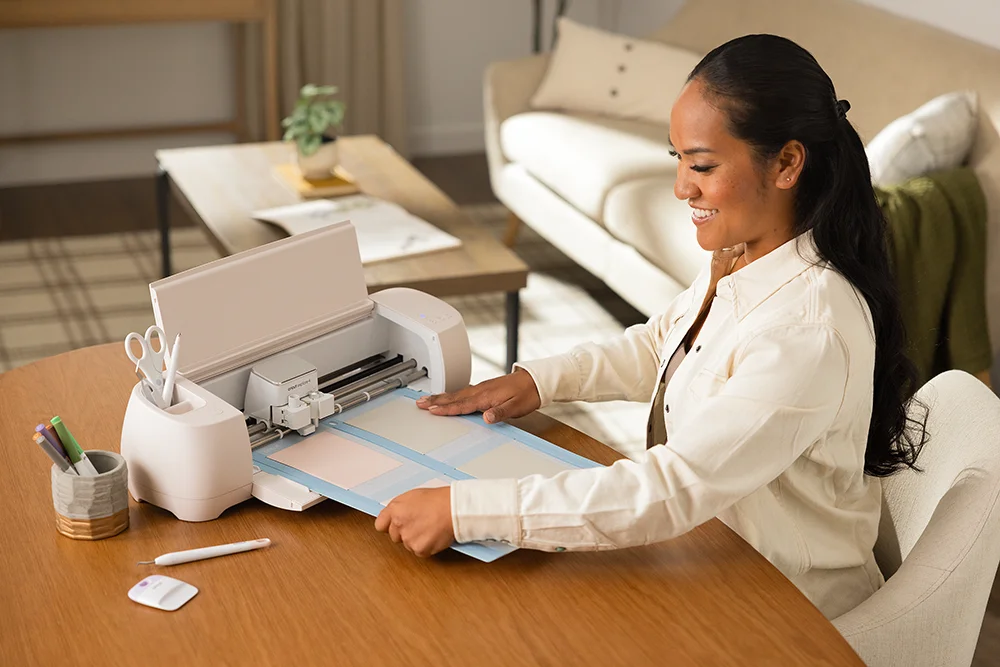
A woman sitting at a living room table running a print through a Cricut Explore 4 machine.

Cricut Explore 4

Make all popular projects at greater speed and larger width.
  • Up to 2x faster than the previous model.
  • Make complex and larger projects
  • Full-size (12" max material width)
  • Cuts 100+ types of materials (e.g. Cardstock, Vinyl, Iron-On, Printables, Bonded Fabric)
  • Works with 6 tools to cut, write, foil, and score
  • $$$: High end
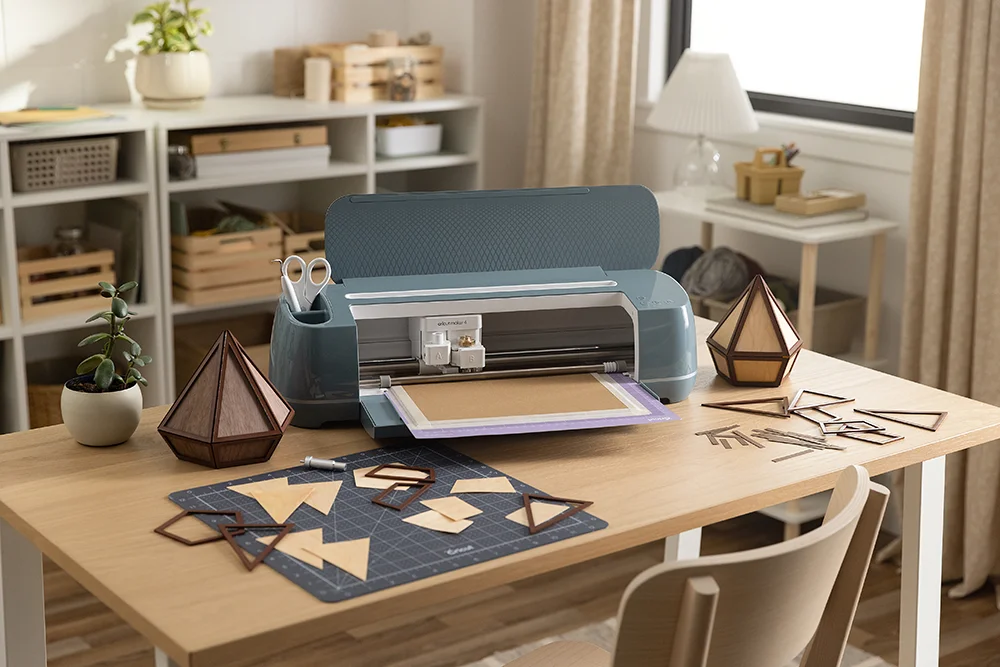
A cricut maker 4 machine on a craft room table with various shapes cut out on the table.

Cricut Maker® 4

Make it all at max speed and power with our ultimate cutting machine.

  • Up to 2x faster than the previous model.
  • Make professional-level projects including wood and metal engraving
  • Full-size (12" max material width)
  • Cuts 300+ types of materials (e.g. Cardstock, Vinyl, Iron-On, Printables, Bonded Fabric, Balsa Wood, Leather, Aluminium)
  • Works with 13 tools to cut, write, foil, score, engrave, deboss, and perforate
  • $$$$: Premium

How do I get started with Cricut®?

Are you ready to make something unique?

Choose machine

Step one

Choose machine

For beginners we recommend: Cricut Joy or Joy Xtra

Choose material

Step two

Choose material

For beginners we recommend: A sampler of Cricut Vinyl and Iron-on

Choose tools

Step three

Choose tools

For beginners we recommend: Cricut basic tool set

Download app

Step four

Download app

For beginners we recommend: 30-day free Cricut Access trial

Shop Cricut

Please confirm your selection

Store Picker

Travel Mode

Stores