- Cart is empty
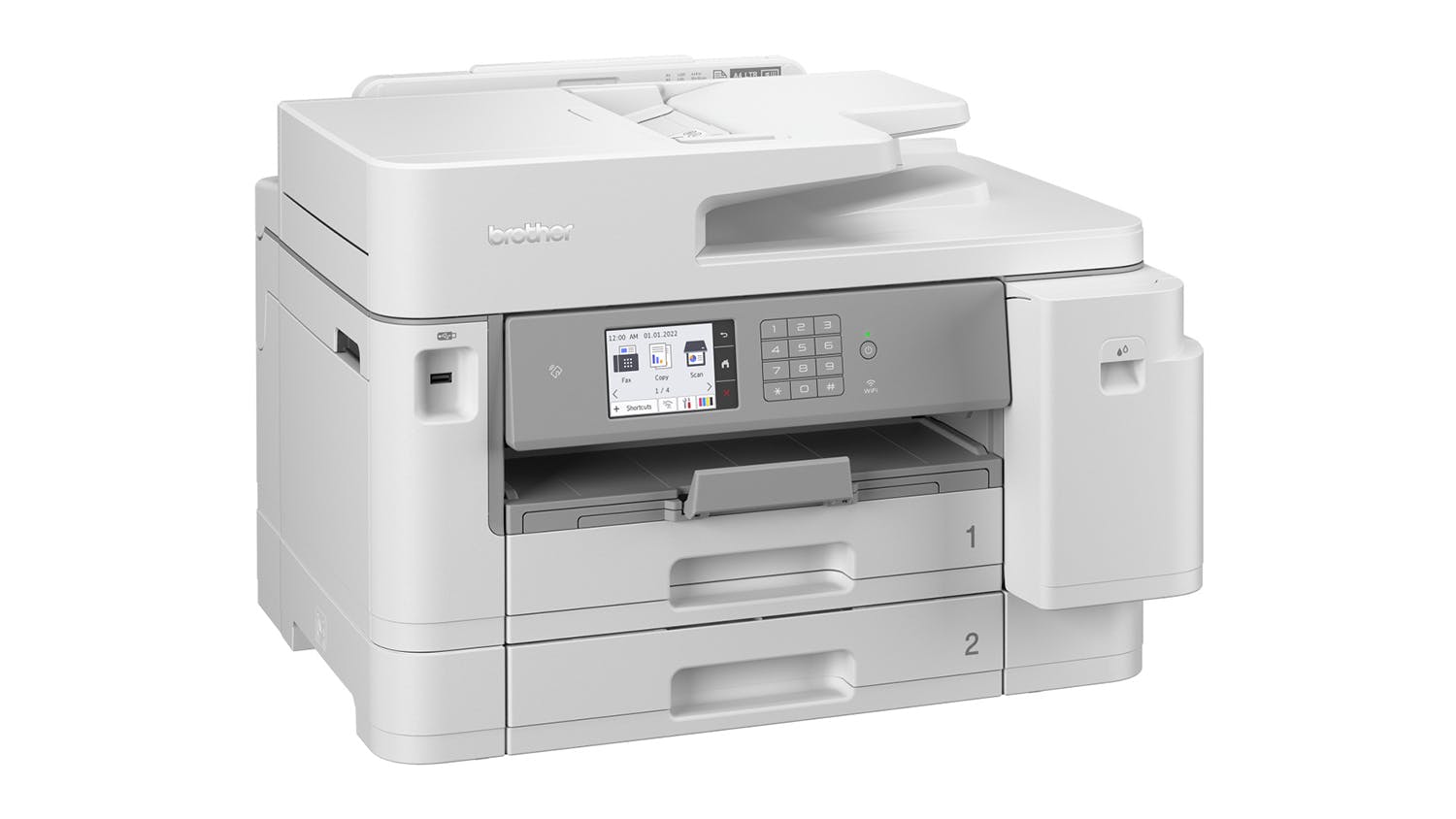
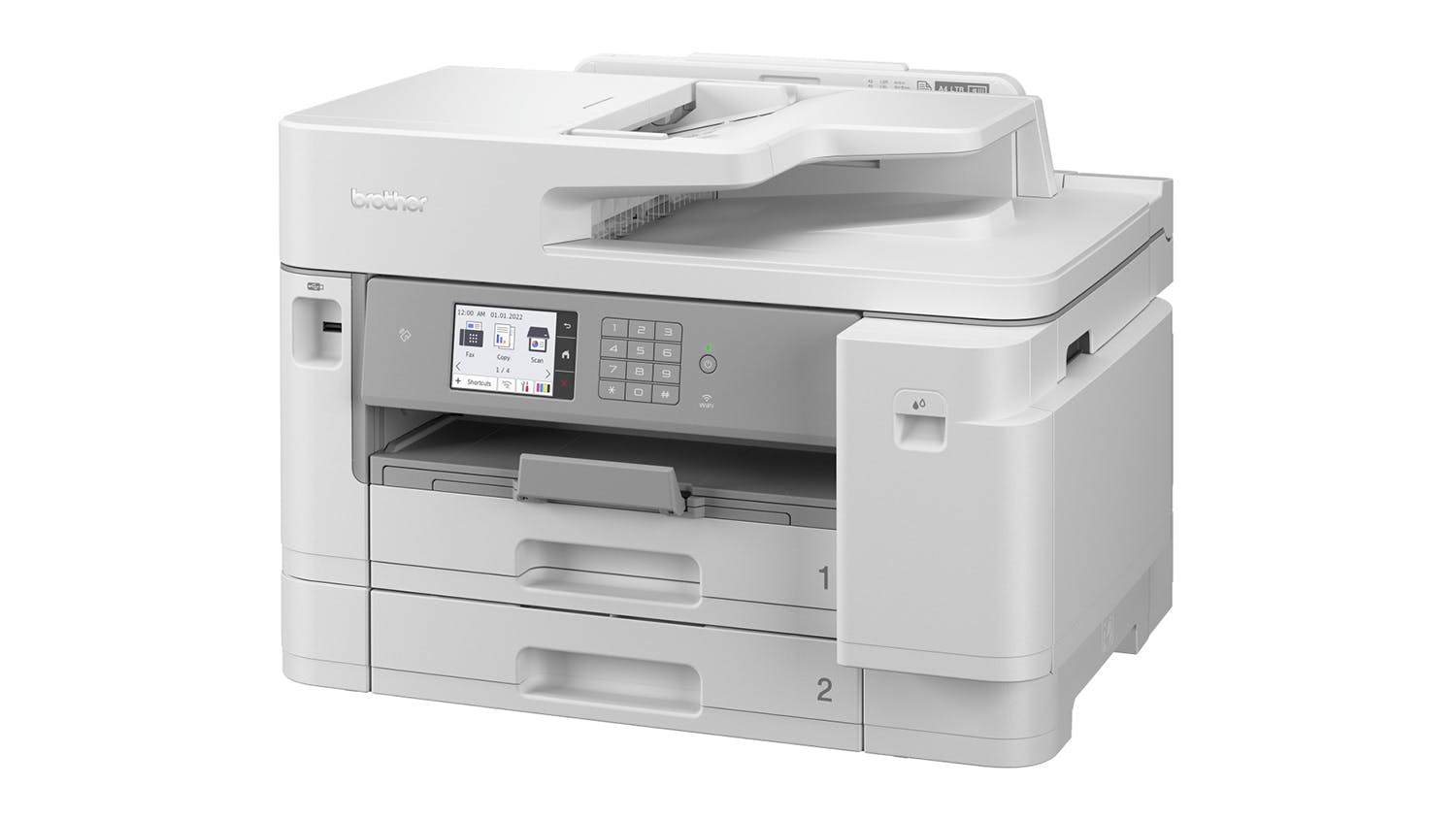
Brother MFC-J5955DW A3 All-in-One Inkjet Printer - EX-DISPLAY
MFCJ5955DW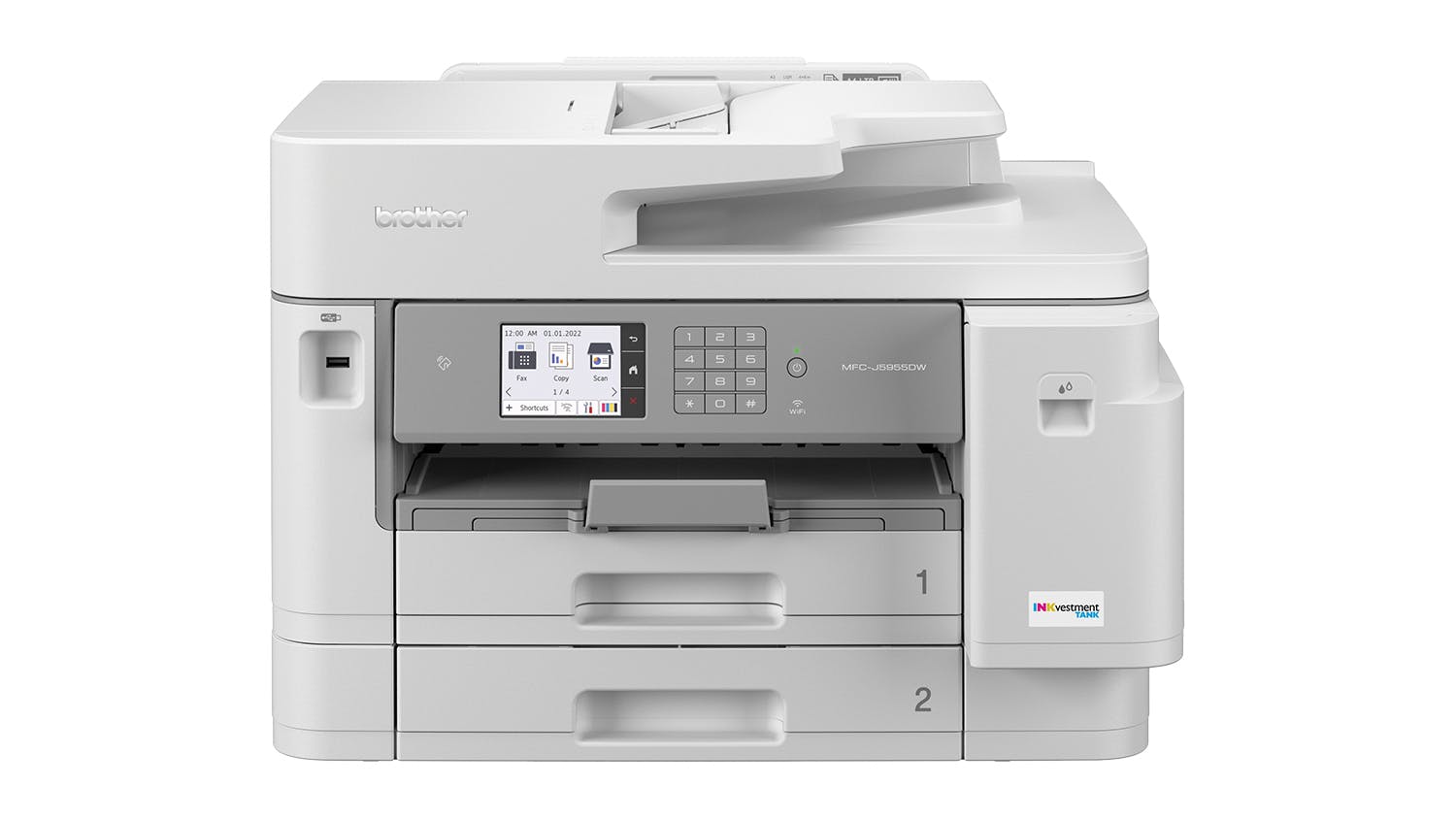




Available on 24 months of equal Interest Free instalments:
approximately per month
^ Total repayments $298 (excluding fees). Min purchase of $250 applies. Offer ends . Equal monthly payments required. Lending criteria, T&Cs & fees apply incl. a $55 estb. fee & $65 annual fee ($32.50 half yearly). Standard interest rate (currently 29.49% p.a.) applies after interest free term ends. Exclusions may apply. *Further information on rates and fees can be found at gemfinance.co.nz. Credit provided by Latitude Financial Services Ltd.
How it worksGem Finance Interest Free

Available on participating Gem credit cards.
New to Gem? Follow the steps below to apply for a Gem Visa now.
Apply Online
Complete your online application in just 10-15 minutes
Credit Check
Submit income, employment details, and expenses. Include proof of income by sharing your online statement or uploading income documents.
Provide Identification
All applicants must provide a form of identification, e.g., NZ driver's license, NZ Passport, or International Passport.

Clearance Item | Not available in all stores
Stocks are limited and not available in all stores. Purchase online or instore today to secure your product. Availability can change quickly – please contact your local store or use our Contact Us page for the most up‑to‑date information.
$50 Harvey Norman Bonus Gift Card!
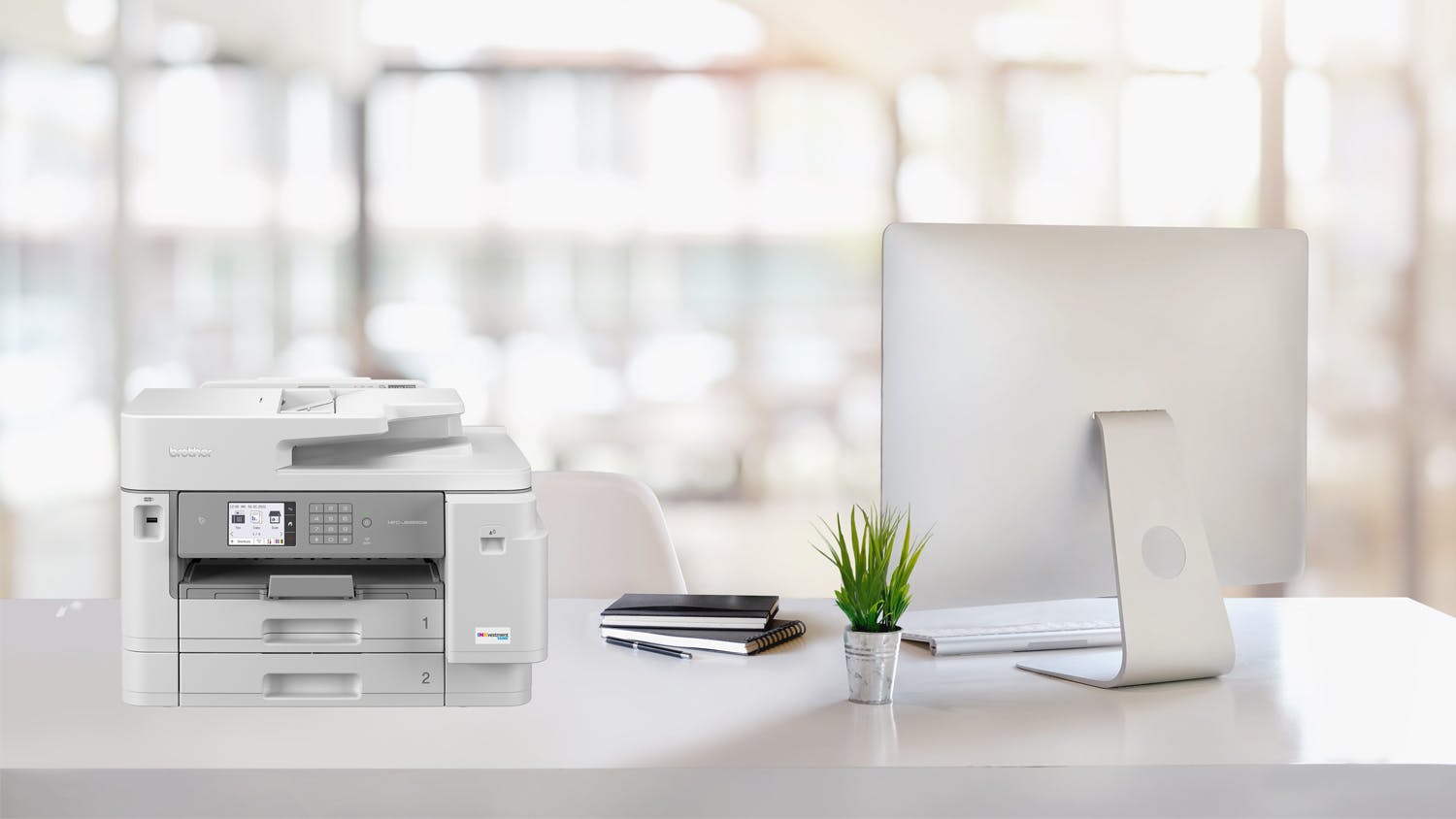
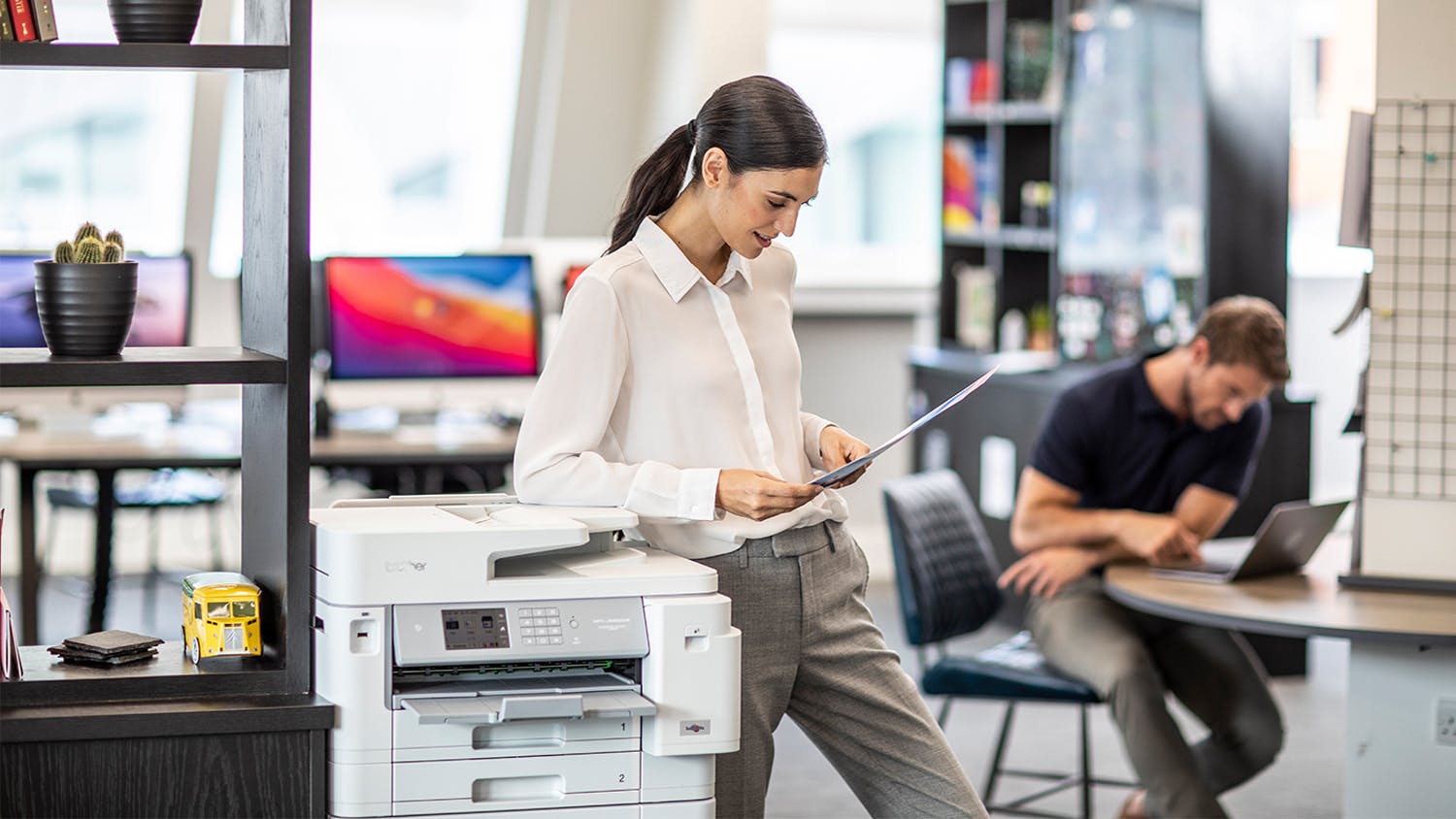
Whether you're printing for reports, duplicating notes, scanning documents, or faxing important contracts, the Brother MFCJ5955DW Inkjet All-in-One Printer provides you with all the features you need! This machine is easy to operate, offering an intuitive display and accessible controls. Additionally, it comes with two input trays that can hold hundreds of sheets, so you can concentrate on your work rather than constantly refilling the printer with paper.
Key Features
- Versatile Printer: Engineered for your day-to-day productivity needs, the Brother MFCJ5955DW Printer lets you print, scan, copy, and fax documents using only one device!
- Supported Medium Types: This printer can print on different paper types including Plain, Inkjet (coated), Glossy, and Recycled paper. It also supports A5, A4, A6, and Envelope sizes.
- Maximise Productivity: Minimise paper refilling as the unit’s two input paper trays can easily accommodate up to 250 sheets of 80gsm plain paper each. It also incorporates a multipurpose output tray to hold up to 100 sheets of 80gsm standard paper.
- Intuitive Control Panel: For easy operations, this Brother All-in-One Printer is equipped with user-friendly controls and a 3.5-inch colour LCD touchscreen.
- Fast Printing Speed: Print stunning documents in no time! Brother MFCJ5955DW unit boasts print speeds of up to 35 ppm for monochrome and 32 ppm for coloured.
- Professional-Looking Prints: Offering a 1200 x 4800 print resolution, this inkjet printer produces clear and crisp outputs you can count on. It also offers borderless, duplex, and photo printing to deliver added convenience.
- Scanner Feature: The integrated Flatbed and ADF scanner provides a brilliant 1200 x 1200 resolution and fast speeds of 25 ipm. In addition, it supports up to A4 size and packs handy features like scan to email, duplex, network, and wireless scanning.
- Duplicate More Files: Using this Brother All-in-One Printer, you can conveniently make up to 99 copies at 1200 x 4800 dpi resolution. It also has duplex copying, fit-to-page, and a 25 to 400% reduction and enlargement function.
- Handy Faxing: Sending hard copies of important documents on fax-enabled printers is much faster and safer thanks to this printer’s faxing capabilities. It has 203 x 392 dpi, up to 170 pages of memory, and 33,600kb/s modem transmission speed.
- Seamless Connection: This unit has multiple connectivity options, including Wi-Fi, 2.4 GHz frequency band, 802.11b IEEE standards, and NFC technology. For wired connections, it is also fitted with a USB 2.0 port.
- Suitable Inks: The MFCJ5955DW Inkjet All-in-One Printer is compatible with genuine Brother LC436 and LC436XL ink cartridges (not included).
| Brand | Brother |
|---|---|
| Product Type | Ink Cartridge Printers |
| Model Number | MFCJ5955DW |
Printer
| Functions |
|
|---|---|
| Compatible Ink Cartridges/Toners | LC436 and LC436XL |
| Compatible Paper Sizes | A5, A4, A6, Envelopes |
| Supported Paper Weight | 80gsm |
| Printer USB Cable | Not Included (Sold Separately) |
Display
| Screen/Panel Type | LCD (Liquid Crystal Display) |
|---|---|
| Screen-Size | 3.5" |
| Touchscreen | Yes |
| Print Resolution | 1200 x 4800 |
|---|---|
| Document Print Speed | Colour: 32ppm, Black/White: 35ppm |
| Ink Type (Colour) | Pigment |
| Ink Type (Black/White) | Pigment |
| Ink Palette | CMYK (Cyan, Magenta, Yellow, Black) |
| Paper Input Capacity | 2 x 250 sheet input tray |
| Paper Output Capacity | 100 Sheet Output Tray |
| Monthly Duty Cycle | up to 2500 pages |
| Duplex Printing Type | Automatic Duplex Printing |
| Maximum Print Size | A3 |
| Number of Paper Tray | 2 |
| Print Feature |
|
Scanner
| Scanner Type | Flatbed and ADF |
|---|---|
| Scan Resolution | 1200 x 1200 |
| Scan Speed (Impressions Per Minute) | 25ipm Mono, 25ipm Colour |
| Scan Modes | Colour |
| Colour Depth | 30bit input |
| File Formats | JPEG, PDF |
| Maximum Document Scan Size | A4 |
| Scanner Feature |
|
Copier
| Copy Resolution | 1200 x 4800 |
|---|---|
| Maximum Number of Copies | up to 99 copies |
| Reduction/Enlargement | 25 to 400% |
| Maximum Document Copy Size | A3 |
| Copier Feature |
|
Fax
| Modem Transmission Speed | 33,600kb/s |
|---|---|
| Fax Resolution | up to 203x392dpi |
| Fax Memory | up to 170 pages |
Connectivity
| Wireless Frequency Bands | 2.4 GHz |
|---|---|
| Supported IEEE Standards | 802.11b |
| Connectivity Type | Wi-Fi, USB |
Power
| Power Source | Corded |
|---|---|
| Voltage | 220-240V |
Dimensions
| Product Width | 54.5 cm |
|---|---|
| Product Depth | 43.6 cm |
| Product Height | 37.5 cm |
| Product Weight | 19.52 kg |
Warranty
| Manufacturers | 48 Months |
|---|
Delivery
We aim to dispatch orders within 2 days. Delivery costs are calculated based on your location and the size of your order. Furniture may take up to 8 weeks to deliver as most products are made specifically for your order. Some Customer Direct products are shipped from overseas and may take longer to arrive. Some goods may take longer to deliver if a product is currently not in stock. A staff member will contact you where this occurs.
Easy returns
If you feel your product has failed a Consumer Guarantee (as defined by New Zealand Consumer Law) then don't worry you can easily return it to your local Harvey Norman store. We'll even pay for the postage if you live in an area where there is no store. Our returns policy covers any purchased item ( conditions apply).
- Brother MFCJ5955DW Inkjet All-in-One Printer
- 78% of LC436XLBK 2340 Black Pages, 39% of LC436XLCMY 1950 Colour pages
- Power Cable
Array
Terms & Conditions
Pricing Terms
Limit 2 per customer. Personal shoppers only. Trade not supplied. Available from Tuesday 4th August 2026 until midnight Monday 31st August 2026.
Offer Terms
This item is final clearance, and available in limited stock numbers. Available for delivery only.