
- Cart is empty
Epson EcoTank ET-2820 A4 All-in-One Ink Tank Printer
Epson EcoTank ET-2820 A4 All-in-One Ink Tank Printer
$375
Epson EcoTank ET-2820 A4 All-in-One Ink Tank Printer
C11CJ66501




Available on 24 months of equal Interest Free instalments:
approximately per month
^ Total repayments $375 (excluding fees). Min purchase of $250 applies. Offer ends . Equal monthly payments required. Lending criteria, T&Cs & fees apply incl. a $55 estb. fee & $65 annual fee ($32.50 half yearly). Standard interest rate (currently 29.49% p.a.) applies after interest free term ends. Exclusions may apply. *Further information on rates and fees can be found at gemfinance.co.nz. Credit provided by Latitude Financial Services Ltd.
How it worksGem Finance Interest Free

Available on participating Gem credit cards.
New to Gem? Follow the steps below to apply for a Gem Visa now.
Apply Online
Complete your online application in just 10-15 minutes
Credit Check
Submit income, employment details, and expenses. Include proof of income by sharing your online statement or uploading income documents.
Provide Identification
All applicants must provide a form of identification, e.g., NZ driver's license, NZ Passport, or International Passport.
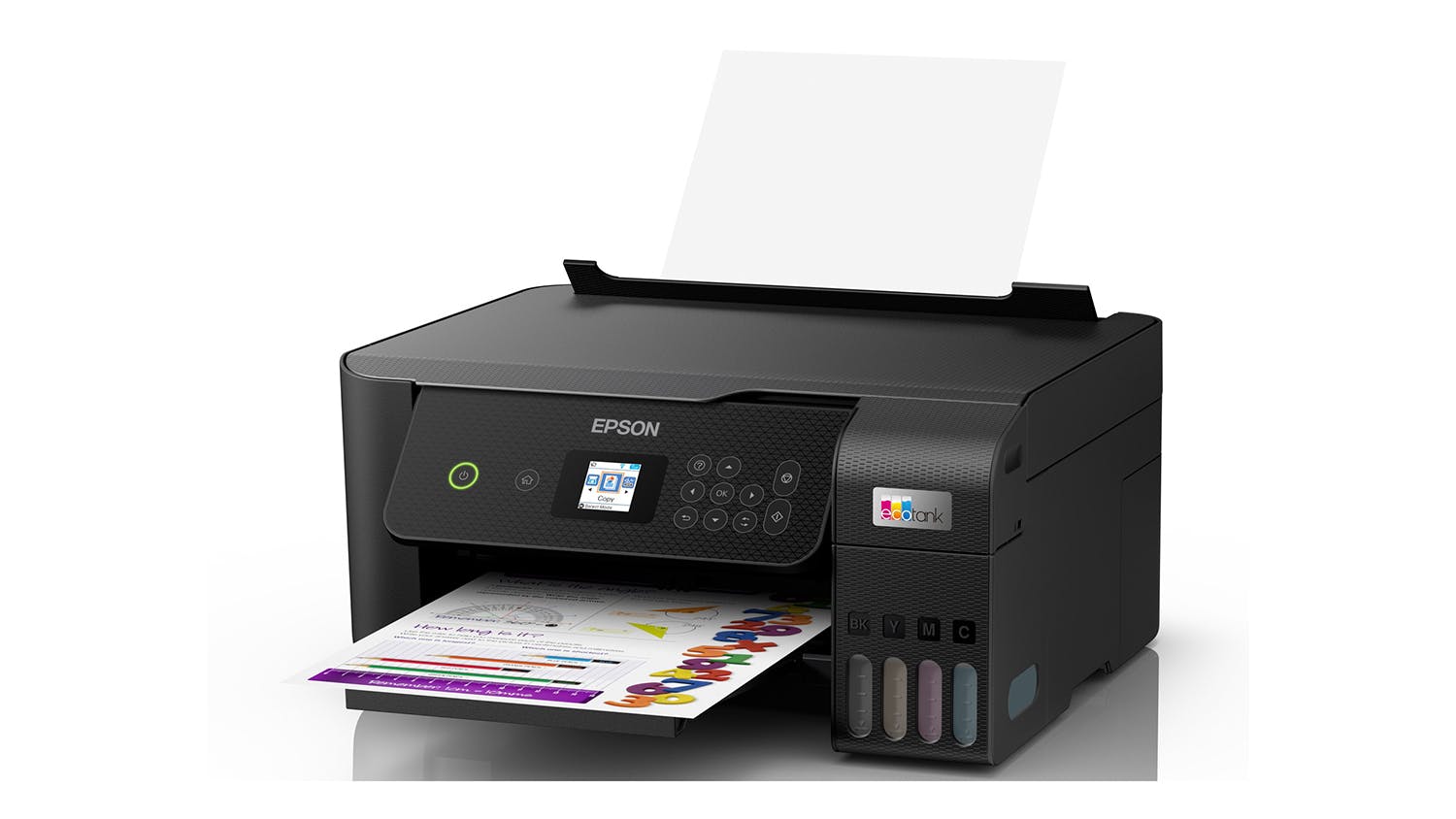
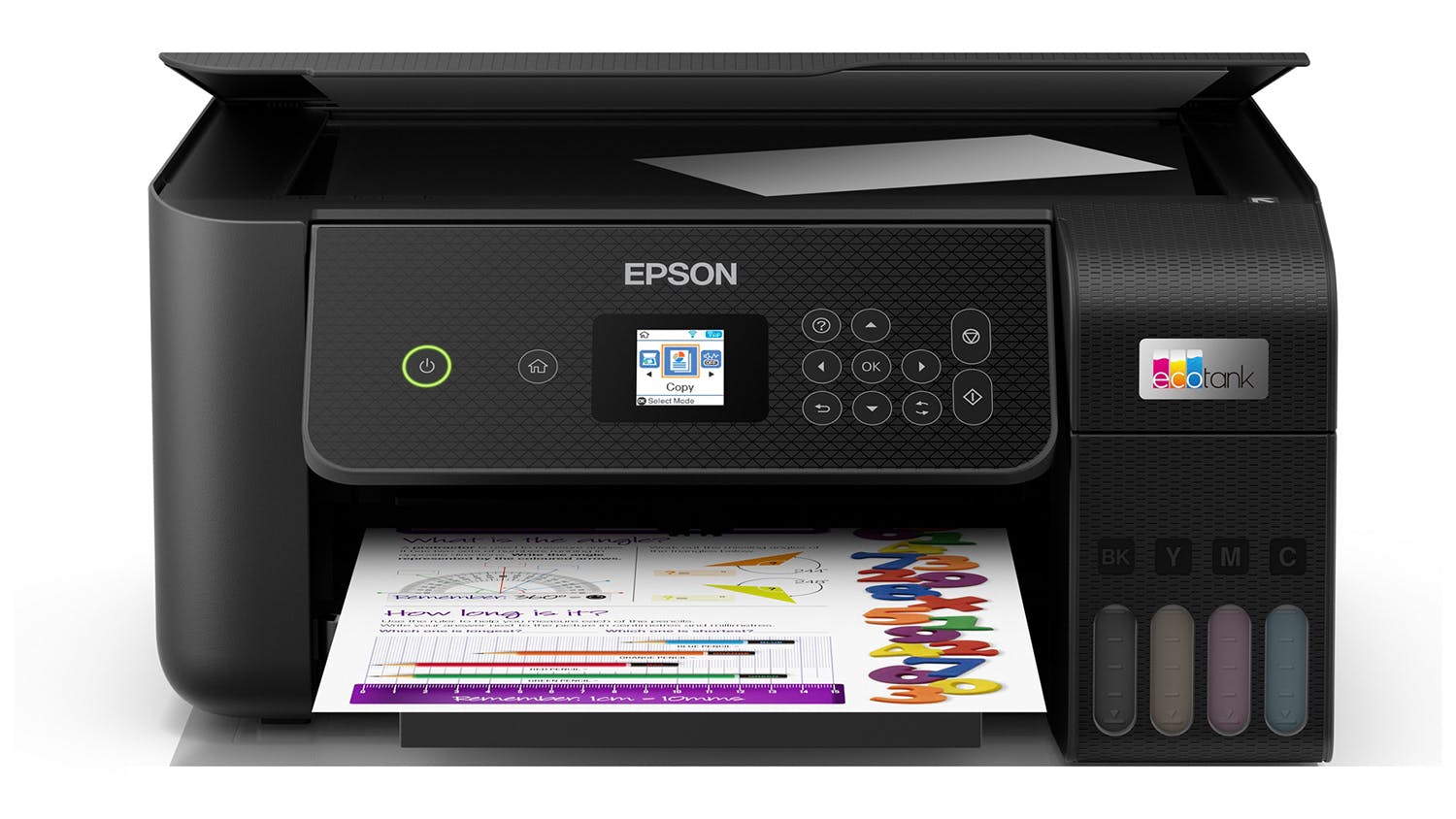
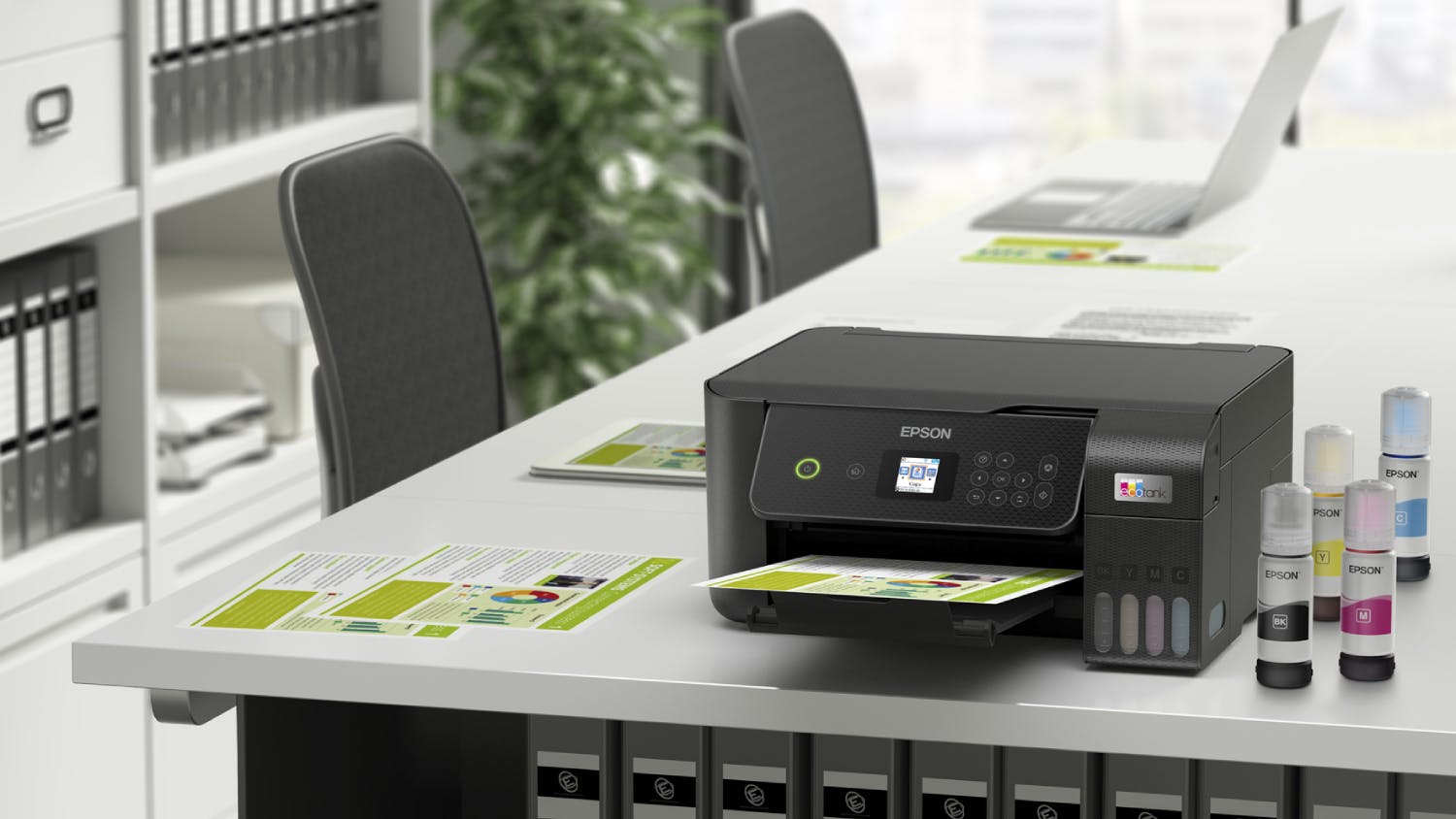
Take your productivity to new heights and produce exceptional outputs using the Epson EcoTank ET-2820 All-in-One Printer. This reliable all-in-one printer offers a variety of functions to accommodate all of your printing, scanning, and copying needs. In addition, this Epson EcoTank printer comes with wireless connectivity for ease of use.
Key Features
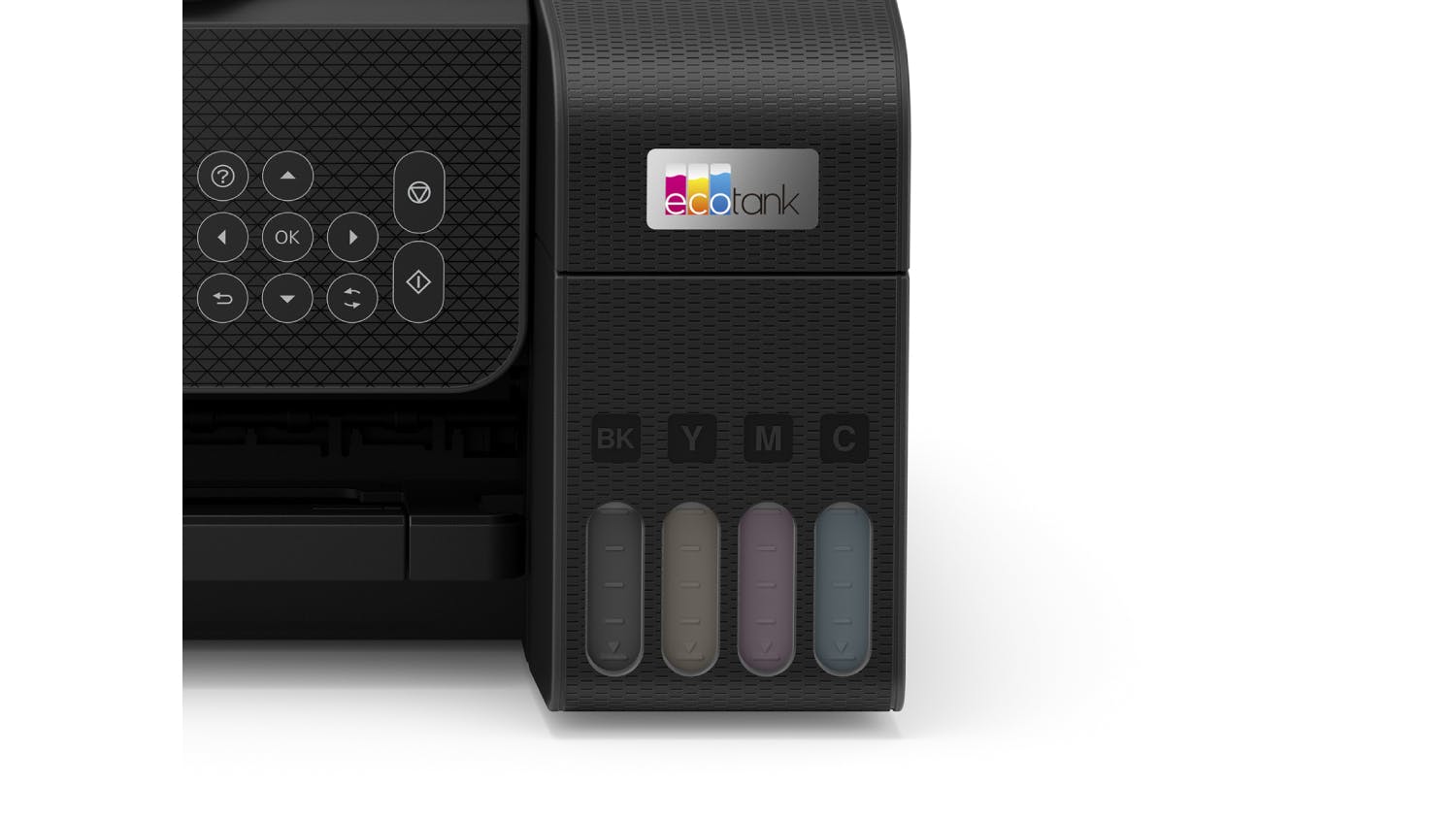
- Packed with Reliable Features: Providing stellar print, scan, and copy capabilities, the Epson EcoTank ET-2820 All-in-One Printer is here to accommodate all of your productivity needs, whether it's for home, school, or office use. It also has an ink palette comprised of cyan, magenta, yellow, and black shades, letting you print pristine monochrome or coloured outputs (replacement ink bottles are sold separately).
- Compatible Paper Sizes and Type: It is compatible with various sizes such as Legal, Letter, 8.5" x 13", A4, B5, A5, A6, B6, and even measurements of 182mm x 257mm to 215.9mm x 297mm. You can also use a variety of papers like plain paper, photo quality Inkjet paper, Epson matte paper, and Epson glossy photo paper.
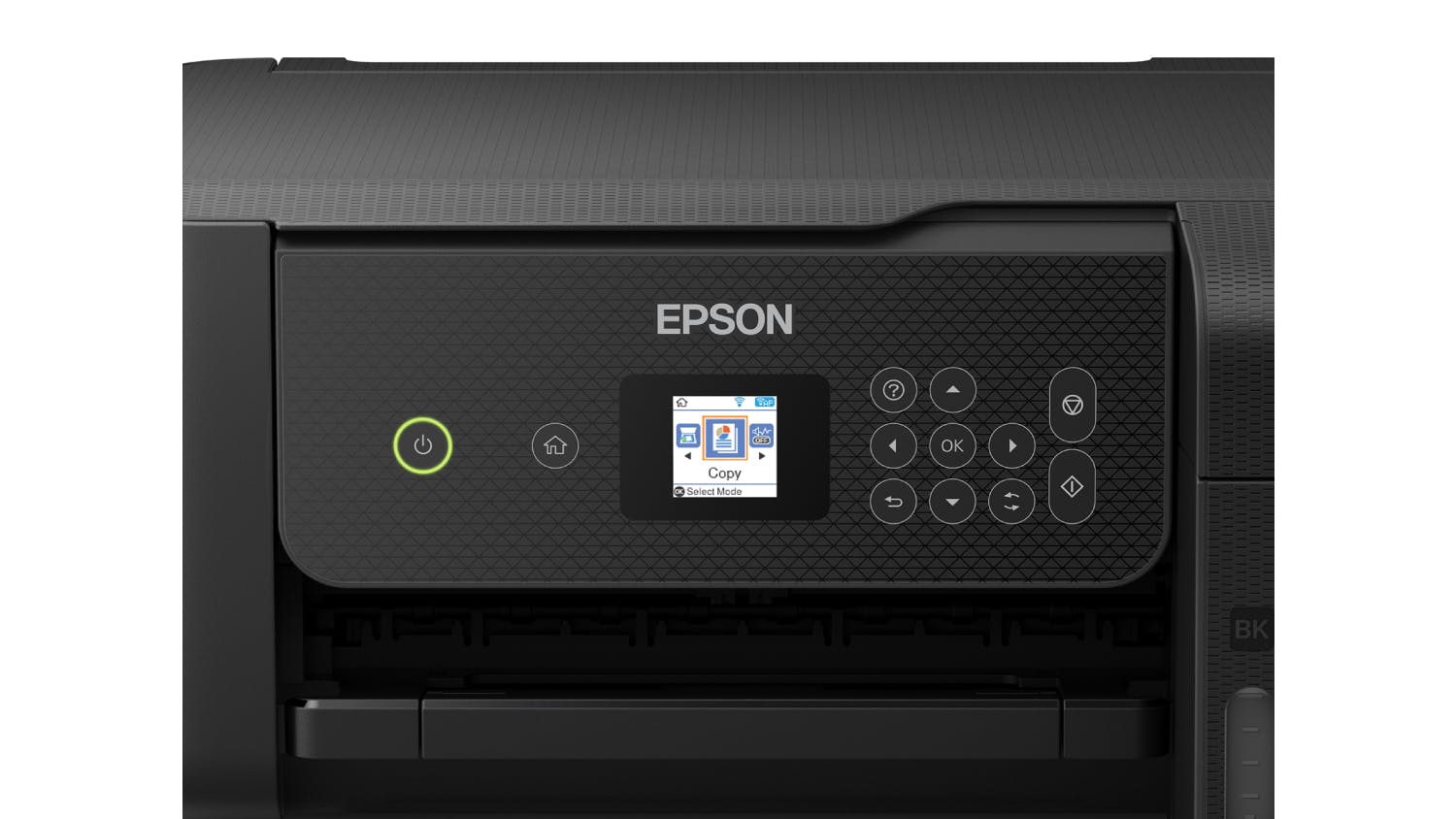
- User-Friendly Display: This Epson EcoTank printer comes with a convenient 1.44" LCD (Liquid Crystal Display) screen for a more intuitive and easy operation.
- Fast Printing Speeds: Epson EcoTank ET-2820 offers printing speeds of 5ppm for coloured prints and 10ppm for black outputs.
- Stellar Print Resolution: Thanks to its MicroPiezo Inkjet technology, it can deliver crisp text and vibrant outputs of up to 5760 x 1440 resolution. Enjoy superb prints whether you'll be printing documents, photos, or even envelopes.
- Borderless Printing: Print superb photos and designs seamlessly using Epson EcoTank's borderless printing function.
- Generous Capacity: Print bundles of documents with fewer interruptions using Epson EcoTank ET-2820 All-in-One Printer! Its paper tray can support up to 100 sheets and handle sizes of up to A4.
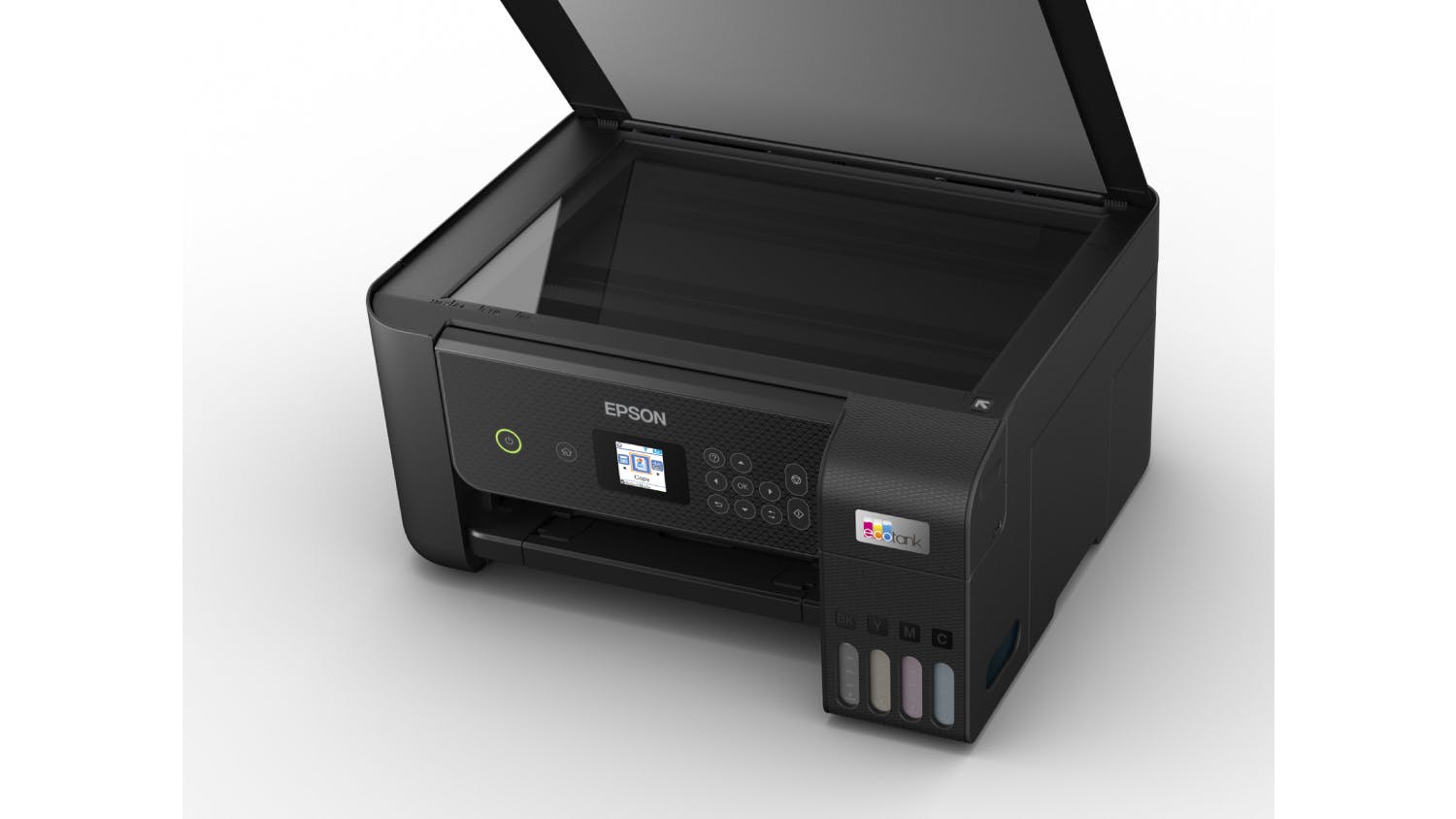
- Optimal Scanning: Scan documents and photos on the fly with Epson EcoTank ET-2820's flatbed scanner. It offers resolutions of up to 1200 x 2400 dpi, colour and grayscale scan modes, and utilises a Colour CIS line image sensor. Additionally, it can scan areas up to 216 x 297 cm or A4-sized documents.
- Copy Capabilities: Produce top-tier copies of up to 99 pages (per batch) using the Epson EcoTank ET-2820 All-in-One Printer. It can copy sizes of up to A4 and provides copy speeds of 7.7 ISO ppm for black and 3.8 ISO ppm for colour. Additionally, it comes with a reduction and enlargement feature that allows you to resize documents from 25% up to 400% and can
- Seamless Connections: Thanks to Epson EcoTank ET-2820's wireless connectivity, wi-fi direct, 2.4 GHz wireless frequency bands, and 802.11 b/g/n supported IEEE standards, you can instantly connect compatible devices to your printer. It comes with a Hi-Speed USB 2.0 port to give you a wired option. You can also use Epson Email Print, Epson Smart Panel, and the Epson iPrint App (available on iOS and Android) to access various additional features.
- Broad Compatibility: This Epson EcoTank ET-2820 All-in-One Printer is compatible with Epson T522 replacement ink bottles (sold separately). In addition, this device works with operating systems such as Windows 11, 10, 8, 8.1 (32-bit, 64-bit), 7 (32-bit, 64-bit), Vista, and Mac OS X 10.6.8 to Mac OS X 10.15.x3.
| Brand | Epson |
|---|---|
| Product Type | Ink Tank Printers |
| Model Number | C11CJ66501 |
Printer
| Functions |
|
|---|---|
| Compatible Ink Cartridges/Toners | Epson T522 |
| Compatible Paper Sizes | Legal, Letter, 8.5" x 13", A4, B5, A5, A6, B6, user definable (182mm x 257mm – 215.9mm x 297mm) |
| Compatible Paper Types | Plain Paper, Photo Quality Inkjet Paper, Epson Matte Paper, Epson Glossy Photo Paper |
| Printer USB Cable | Not Included (Sold Separately) |
Display
| Screen/Panel Type | LCD (Liquid Crystal Display) |
|---|
| Print Resolution | 5760 x 1440 |
|---|---|
| Document Print Speed | Colour: 5ppm, Black/White: 10ppm |
| Ink Type (Colour) | Dye |
| Ink Type (Black/White) | Cyan, Magenta, Yellow, Black |
| Paper Input Capacity | 100 Sheet |
| Duplex Printing | No |
| Borderless Printing | Yes |
| Maximum Print Size | A4 |
| Number of Paper Tray | 1 |
| Photo Printing | Yes |
| Envelope Printing | Yes |
Scanner
| Scanner Type | Flatbed |
|---|---|
| Scan Resolution | 1200 x 2400 |
| Scan Modes | Colour / Grayscale |
| Colour Depth | 48-bit colour input / 24-bit colour output |
| Scan Area | 216 x 297 |
| Maximum Document Scan Size | A4 |
Copier
| Copy Speed | Black: 7.7 ISO ppm, Colour: 3.8 ISO ppm |
|---|---|
| Maximum Number of Copies | Up to 99 |
| Maximum Document Copy Size | A4 |
Connectivity
| Wired / Wireless | Wireless |
|---|---|
| Wireless Frequency Bands | 2.4 GHz |
| Supported IEEE Standards | 802.11 b/g/n |
| Connectivity Type | Wi-Fi Direct, Hi-Speed USB |
Dimensions
| Product Width | 37.5 cm |
|---|---|
| Product Depth | 34.7 cm |
| Product Height | 17.9 cm |
| Product Weight | 4 kg |
Warranty
| Manufacturers | 12 Months |
|---|
Expert Reviews
Customer Reviews
Epson EcoTank ET-2820 A4 All-in-One Ink Tank Printer is rated
out of
5 by
384.
Rated 1 out of
5
by
PRid from
Missing some basic features
Beware, this printer does not have automatic document feed! Which means if you want to scan or copy a multi-page document it means placing each page one at a time on the scanner. Perhaps I should have checked to see if it had this feature, but for mid-range printer I simply assumed it would have this functionality which is available on most cheaper printers. As such this is not a suitable all in one printer for a home office. Indeed even for printing it is sub-optimal as the paper feed is a vertical gravity feed which has limited capacity and a tendency to drag more than one sheet of paper at a time. Waste of money.
Date published: 2022-01-17
Rated 5 out of
5
by
Kirstey from
Happy with Epson ET-2820 printer
Brought this a few days ago, this is my first ECOtank printer which is interesting but very easy to use. Ink's are quite cheap which is good for the long run.
Took about an hour total to set up which was fine after everything it needed to do.
Scanning is great, I wanted to scan old family photos which this does really well.
Only down side I can see so far is if I want to scan multiple pages of a document i'll need to use the glass. This isn't too much of an issue for me and what I need so that's fine.
Very compact an love how I can fold the trays away when not in use.
Very happy.
Date published: 2023-05-15
Rated 4 out of
5
by
Anonymous from
Epson ecotank printer
This is a great printer for use with a Cricut user.
This printer uses liquid refillable ink and uses a lot less ink than normal printers
Date published: 2022-03-26
Rated 5 out of
5
by
NessaB from
Epson EcoTank ET-2820
Fast and easy set up with WiFi connectivity. Easy fill ink tanks and excellent quality prints. Also has an app to walk you through creative projects.
Date published: 2022-01-03
Rated 4 out of
5
by
Mrniceguy from
The Epson EcoTank inkjet printer offers cost-effective, high-quality printing, scanning, and copying, making it a great choice for both home and offic
he Epson EcoTank inkjet printer with color printing, scanning, and copying is a fantastic choice for both home and office use. The standout feature is its cost-effective ink system – the refillable ink tanks significantly reduce the cost of printing, making it ideal for high-volume users. Print quality is impressive, with vibrant colors and sharp details, perfect for photos and documents. The scanner and copier functions are also reliable, offering good resolution and ease of use. Overall, it’s a great all-in-one printer that combines functionality and economy, making it an excellent investment for long-term use.
Date published: 2025-03-27
Rated 5 out of
5
by
KristineG from
Great printer
So far so good. very happy to not have to bring new ink cartridges every couple of months
Date published: 2022-03-03
Rated 4 out of
5
by
MirjanaM from
Epson ecotank et-2820
Easy to set up. Prints slowly but okay. Does not weight a lot or take much space.
Date published: 2022-01-08
Rated 2 out of
5
by
Mav09 from
Colours are dull, paper feed support bracket design is poor
This is my first 'Ink Tank' type printer, so I'm not sure if this is simply how it is with these types of units, but the colour output is very dull. My 10yo cartridge printer was amazing in comparison. So if you want red reds and blue blues, etc, then avoid this unit.
The paper feed support bracket is also a very poor design. The support bracket that the paper leans back on is only about 10cm wide, so if you leave A4 paper in the feeder then after a while it starts to bend/curl back around the bracket. I've attached a support piece across the bracket to prevent the paper from curling over.
Date published: 2022-02-17
Delivery
We aim to dispatch orders within 2 days. Delivery costs are calculated based on your location and the size of your order. Furniture may take up to 8 weeks to deliver as most products are made specifically for your order. Some Customer Direct products are shipped from overseas and may take longer to arrive. Some goods may take longer to deliver if a product is currently not in stock. A staff member will contact you where this occurs.
Easy returns
If you feel your product has failed a Consumer Guarantee (as defined by New Zealand Consumer Law) then don't worry you can easily return it to your local Harvey Norman store. We'll even pay for the postage if you live in an area where there is no store. Our returns policy covers any purchased item ( conditions apply).
- Epson EcoTank ET-2820
- Instruction manual
- CD-ROM for product setup
- Power cord
- Initial ink bottles: 522 Black, 522 Cyan, 522 Magenta & 522 Yellow
Does this Epson Ecotank et2820 automatically print both sides of the paper?
Thanks for your question Stue. This model does not have a duplex or double-sided print feature, and is for single pass only. Trust this helps clarify. ^RR
Date published: 2024-10-23
Does the box/package comes with included inks?
Great question Rairai. Yes, it comes with Epson 522 ISO Yield ink bottles in the box. The bundled inks are Cyan, Magenta, Yellow (up to 6500 pages @ 5% coverage), and Black (up to 3600 pages @ 5% coverage). Full bottles are sold separately and have a slightly higher page yield. Trust this helps!
Date published: 2023-06-06
Is this printer compatible with MacOS 11.7?
Thanks for your question. The Epson EcoTank ET-2820 A4 All-in-One Ink Tank Printer is compatible with Mac OS X 10.6.8 to Mac OS X 10.15.x3. It is not compatible with MacOS 11.7. Trust this helps!
Date published: 2023-01-30
Can the scanner auto detect photos. Can I scan more than one photo on the scanner bed at a time
Fantastic question! With the scan utility software you can scan images in color, grayscale, or black and white and manage image quality to detect the type of document being scanned. You can also scan multiple images on the scan bed and the software allows you to save as one image, or save them as individual images. Trust this helps!
Date published: 2023-01-02
Does this printer have scan to email function?
Hi Basil, thanks for your question. The printer does have a scan to PC function, however, this doesn't have a scan to email function. Hope this helps!
Date published: 2023-01-02
Has this printer a paper tray?
Hi there. The printer does not have a standard paper tray. It does have a paper feeder at the back, that can take approximate 20 pages at a time. Hope this helps.
Date published: 2023-01-02
Does this print 2 sided?
Thanks for your question Alice. Yes, this printer has the function to print double sided. Hope this helps.
Date published: 2023-05-27
Terms & Conditions
Pricing Terms
Limit 2 per customer. Personal shoppers only. Trade not supplied. Available from 6pm Tuesday 23rd June 2026 until midnight Tuesday 30th June 2026.


