$150 Harvey Norman Bonus Gift Card!
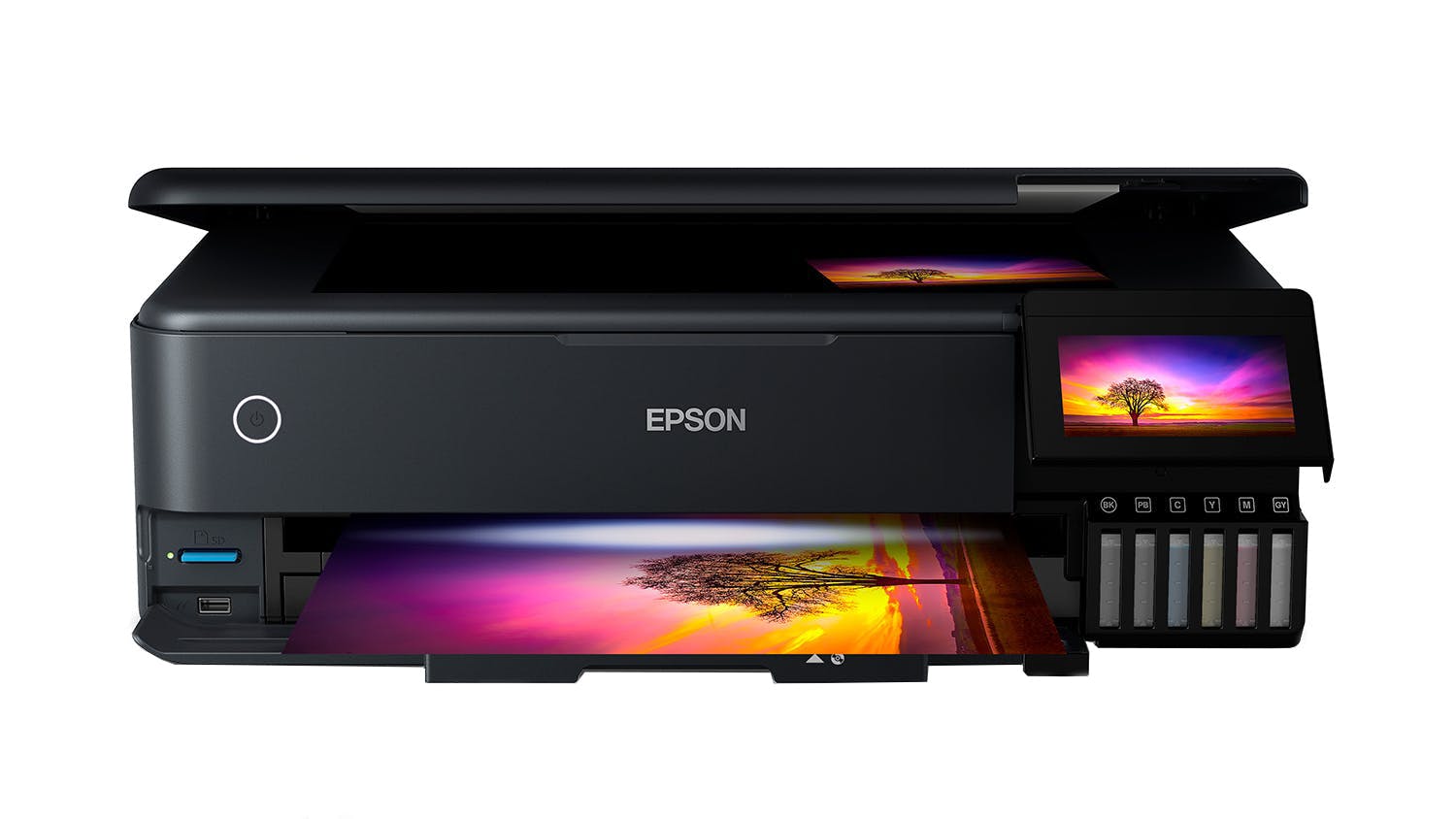
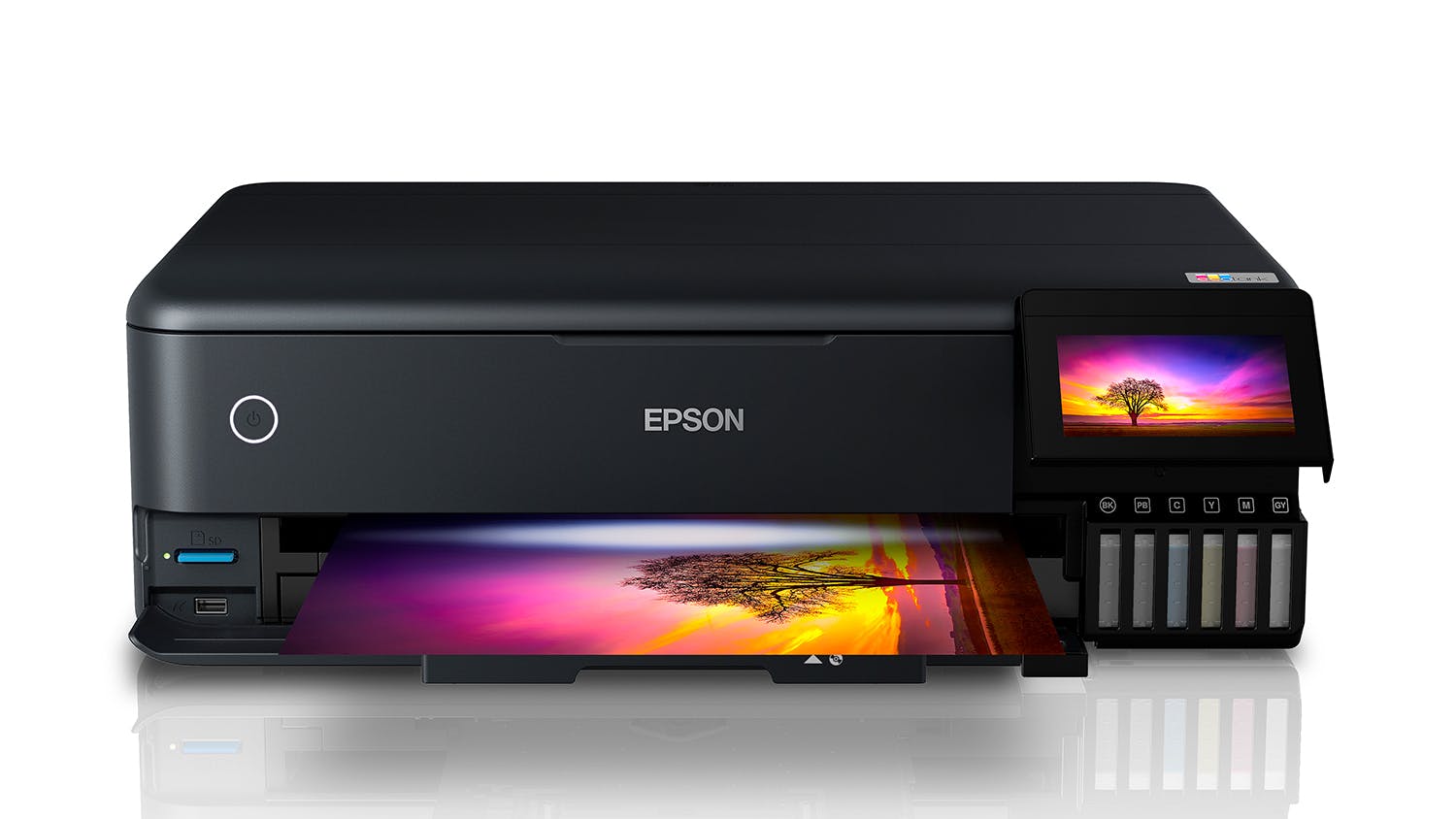
Produce high-quality prints at an amazing value thanks to the Epson ET-8550 EcoTank Photo All-in-One Printer. EcoTank is integrated with a high-accuracy printhead, ensuring that it provides vibrant colours and sharp text on every page. It boasts an efficient and versatile design that can accommodate different media such as CD, cardstock, and more. Plus, it works in tandem with the Epson Smart Panel™ app, making it easy to operate your printer through your smartphone.
Key Features
- High-Quality Results: Incorporating a high-accuracy printhead and Claria ET Premium 6-color ink system, the EcoTank Printer delivers lab-quality photos with crisp text and vivid colours1.
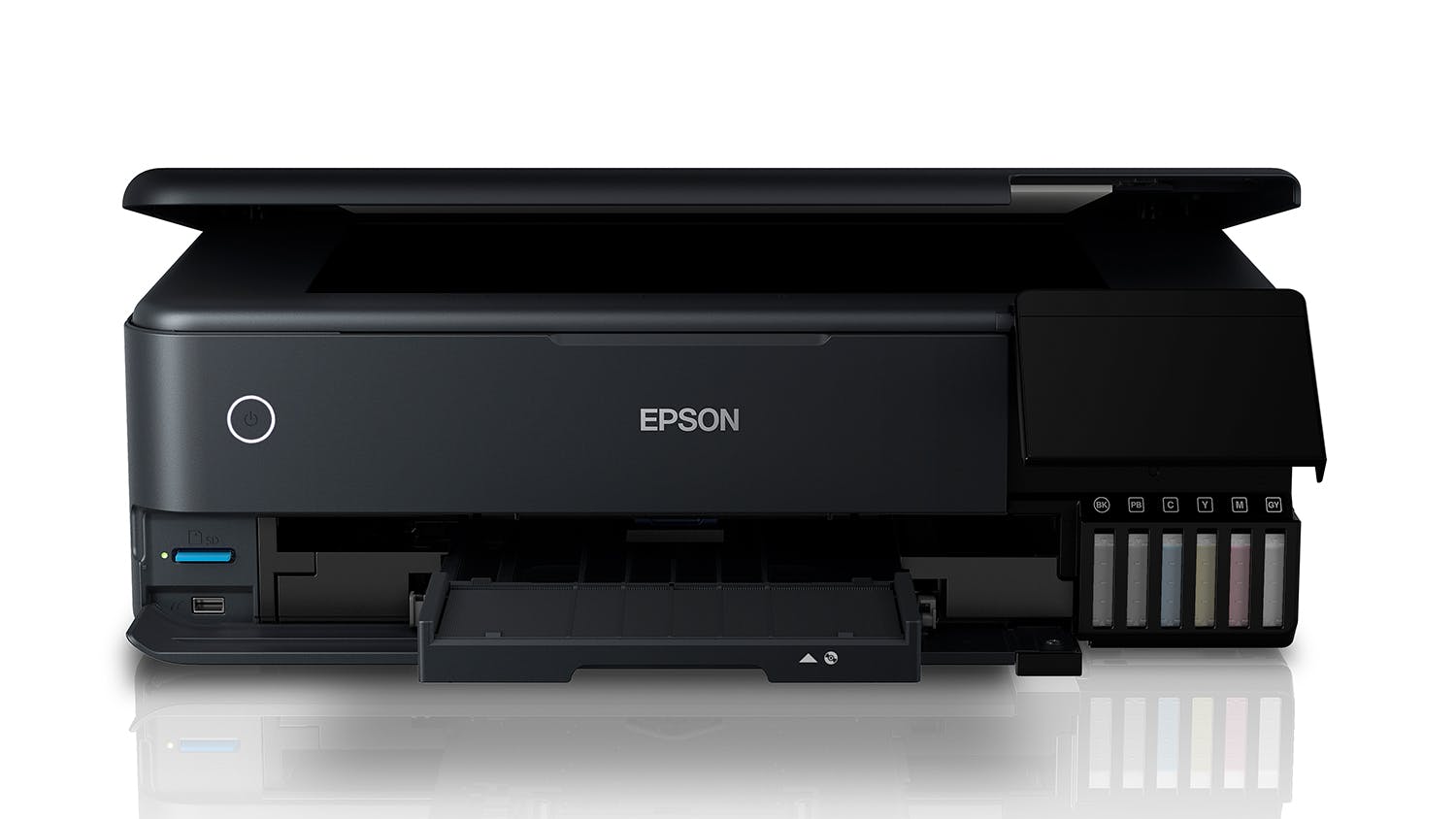
- Media Handling Capabilities: It boasts versatile functionality, enabling you to print on CD/DVDs, cardstock, and different specialty media up to 1.3 mm thick. Furthermore, it supports auto 2-sided printing and allows you to produce borderless photos up to 13"x19" size.
- Incredible Value: Get this Epson ET-8550 for affordable in-house photo printing. Perfect for your creative projects, it enables you to save money without compromising quality2.
- Fast and Efficient: EcoTank lets you print stunning 4" x6" photos within only 15 seconds3. It also uses low-cost replacement ink bottles, which can provide up to 6,200 printed colour pages4.
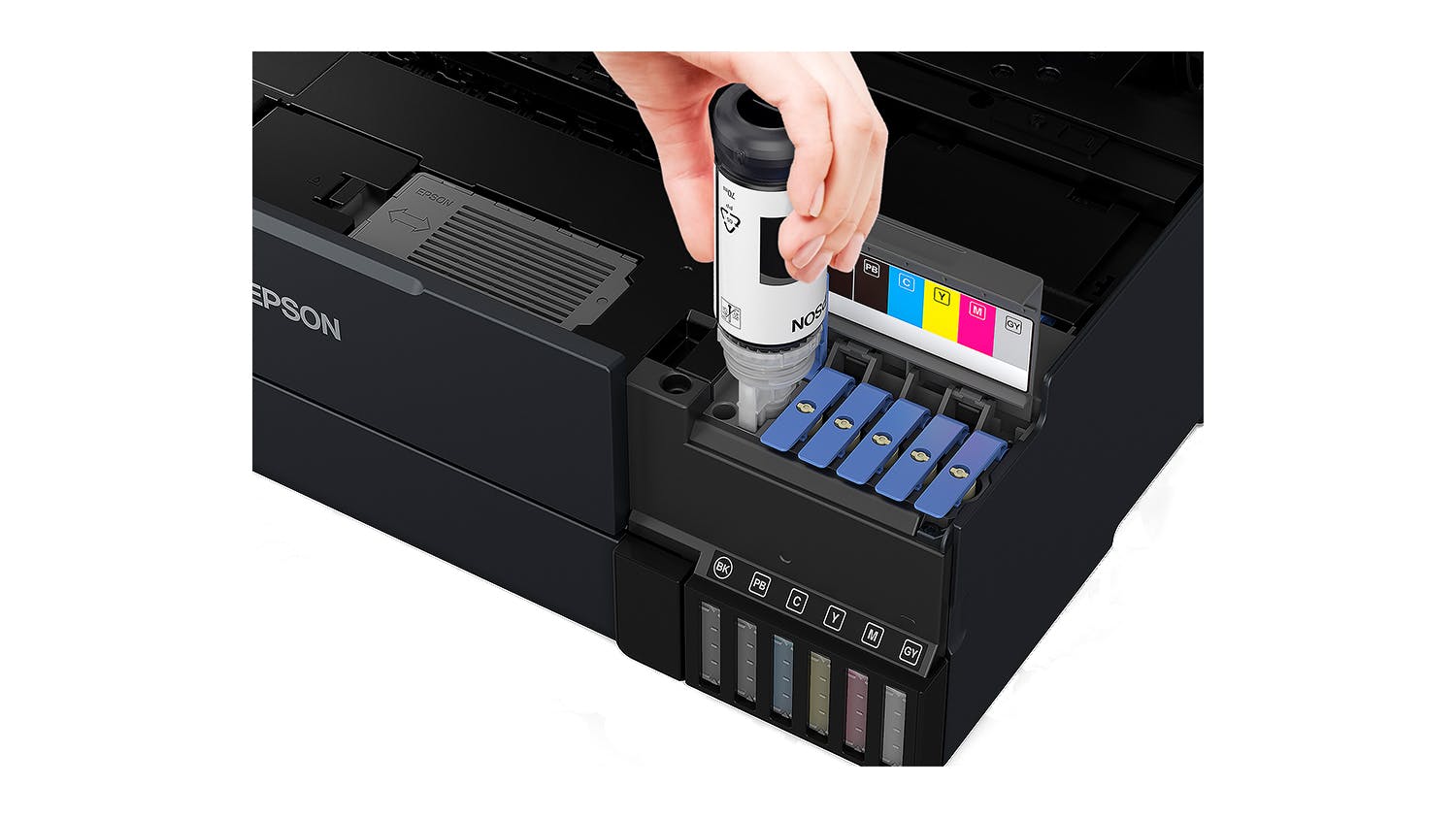
- Print More: Included with an ink bottle set, you can now print your photos right away and enjoy up to 2 years of printing5. Every high-yield ink bottle set is also equal to 100 individual ink cartridges, providing zero cartridge waste6.
- Companion App: Simply install the Epson Smart Panel™ app to easily set up and manage your printer using your iOS or Android device7.
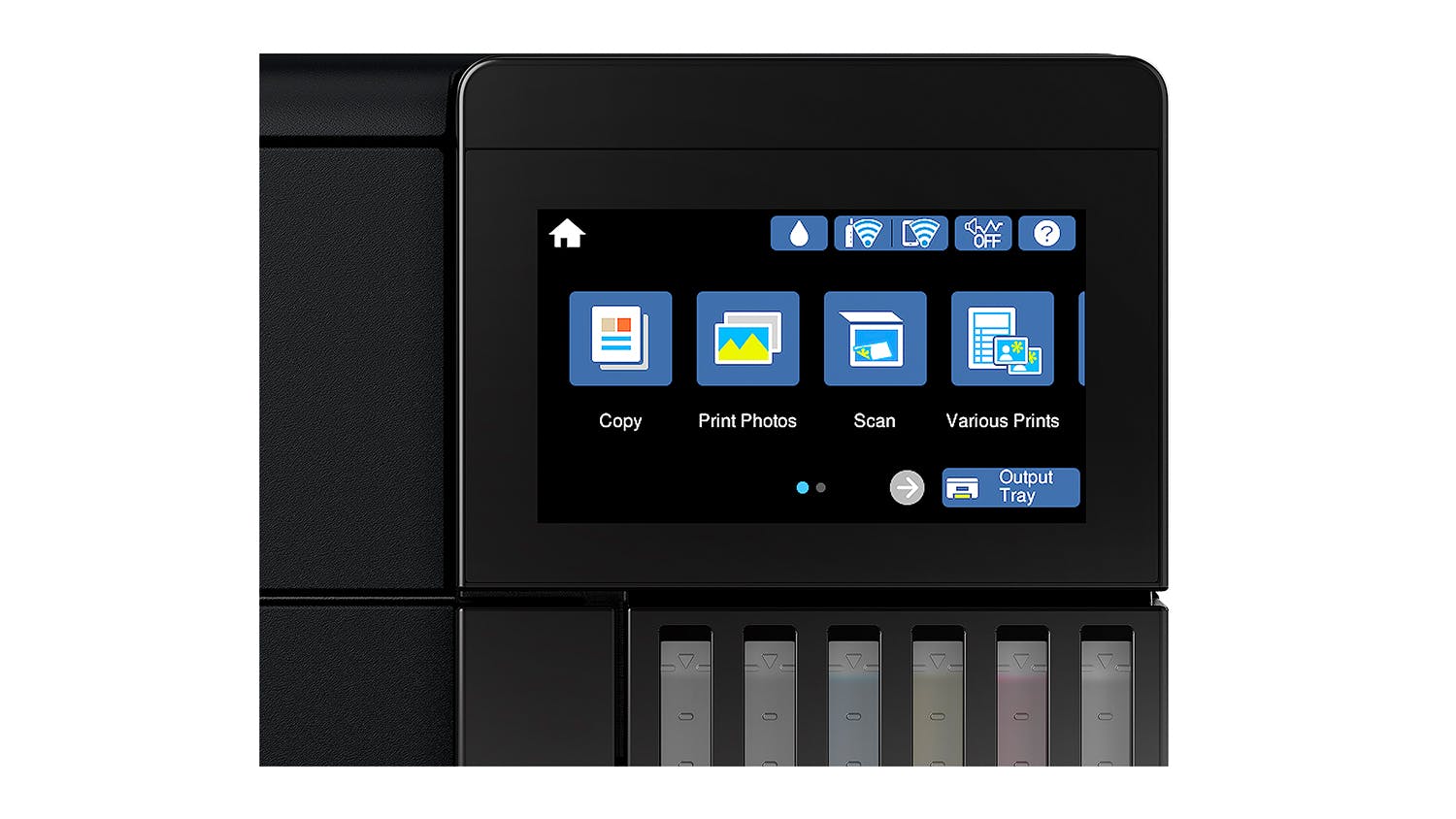
- Total Convenience: A breeze to use, it comes with an intuitive 4.3" touch display and supports voice-activated printing8.
- Easy Filling: Epson Ink Bottles features a unique EcoFit design that lets you refill with ease.
- Eco Feature: Offering total peace of mind, the Epson ET-8550 EcoTank is qualified by the ENERGY STAR® and compliant with RoHS. Additionally, it is a recyclable product9.
1 Colour photo in Draft Mode on Premium Photo Paper Glossy measured from the start of paper feed.
2 Actual savings and costs will vary based on print tasks, print volumes and usage conditions. Savings and cost per ISO 29103 page are based on the price of replacement ink bottles.
3 Actual print times will vary based on factors, including system configuration, software, and page complexity. For more information, visit www.epson.com/printspeed.
4 Replacement ink bottle yields based on the ISO/IEC 24712 pattern with Epson's methodology. Actual ink yields will vary depending on images printed, print settings, temperature and humidity.
5 Based on average monthly document print volumes of about 200 pages.
6 Individual cartridges estimate based on print yields of a replacement set of Black and Color ink bottles compared to Epson standard-capacity ink cartridges.
7 Epson Smart Panel App download needed. Data usage fees may apply.
8 Requires Epson Connect account and voice-activated account registration. See www.epson.com/voice for device compatibility.
9 For convenient and reasonable recycling options, please visitwww.epson.com/recycle.
Epson EcoTank Photo ET-8550 A3 All-in-One Ink Tank Printer is rated
4.5 out of
5 by
211.
Rated 5 out of
5
by
Kimmo1234 from
An amazing printer, but be ready to put the work
This is an amazing printer! I would highly recommend it, just be ready to put in some work to get the most out of it.
The reason it does such an amazing job is that it is so customisable. It is really crucial to understand how to use it well: what paper to use, with which settings etc because every one of those factors will affect the output. Don’t assume it is a bad printer if the output isn’t quite what you want. Try different papers on different settings.
It has done beautiful fine art prints for me, beautiful photos and cards, but only when I test and try to get the best fit for each image and paper.
I would highly recommend this printer!!
Date published: 2022-05-22
Rated 1 out of
5
by
Handy67 from
Look great at first but then never switched back on:(
The printer installation was very easy and smooth and I was initially impressed with the quality of the build and the printer. The app was excellent and stepped me through the installation process. The printer was performing very well. However, after two weeks, the printer asked to be switch off and restarted but never switched on again. On calling epson support, they inform me that I now need to somehow get it to a service centre located 20 kms away and be repaired. I'm pretty disappointed with the product and support. This shouldn't happen after two weeks of use. I wish I could be more positive as it was looking like a great printer.
Date published: 2021-10-09
Rated 5 out of
5
by
RobR from
Day one of our new Printer.
The first 3 photos 2 @ A4 1 @ 6x4, Printed on Epson Ultra glossy paper, they look fantastic. Only niggles the written instructions don't line up exactly with the menu choice options. Also The app connection was not as seamless as I was expecting so couldn't use it set up the printer. The blue tooth never showed up on my iPhone. Also the written instructions don't mention that when you first power on and select the language. The printer does not go to the expected screen in the instructions. I found it was easier to do the manual set up at step 3 and then circle back for the networking. Small niggles but a non tech savy person may have struggled.
Date published: 2024-02-10
Rated 5 out of
5
by
cootaau from
Great quality, easy app-guided setup, and promising low running costs!
I recently purchased the EcoTank Photo ET-8500 and have been using it for a short while. The setup was quite complex, but the accompanying app guided me through the process seamlessly, which was a relief. So far, I'm impressed with the quality and convenience it offers. The ink tank system is a standout feature, and I appreciate the easy filling process and the promise of printing thousands of pages without needing refills. The borderless printing and versatile paper options are also a big plus. I'm optimistic that the running costs will be as low as advertised, making it a great investment for high-quality, cartridge-free printing.
Date published: 2024-12-14
Rated 5 out of
5
by
Joliciel from
Expect This to Change my Printer Experience!
I have just set up my printer, so take the review with a grain of salt. However, the printer was least to set up, works smoothly, and I look forward to not having to buy new ink all the time.
The only hiccup for me was a lack of information about the output tray. If I had known better what it was and that it would open automatically when printing, that would have been wonderful. But that was not clear. I also was not sure how / when to remove the blue tape it had on it. I hope I was supposed to take it off.
So just a few more basic / clear instructions with video (showing each part and step and naming them) would be great.
Date published: 2026-02-20
Rated 5 out of
5
by
KRetro Gaming from
Great printer, love the inks and quality of prints
Best purchase for our business. We were previously using ET-2850 and this printer with its added inks is so much better. The print quality on vinyls is especially nice, without any smudging or colour bleed (if you use the correct paper). Only thing I don't like is that the paper tray doesn't automatically retract when the printer turns off, it does automatically extend when you start a print. This printer is also very good for printing invoices with it's built in paper tray (it's small but better than having to load paper at the back all the time).
Date published: 2025-07-10
Rated 5 out of
5
by
pugnaciousbydesign from
Best of both worlds
After looking at options for a new printer that was economic to run and cost effective to purchase with high resolution output in up to A3 format, I decided on this Epson ET-8550. I was not disappointed, it has been going for nearly a year and still has at least half a tank of all inks, I have printed high res images on photo paper and high quality stock with great results, note tweaking will need to be done with the colours to get correct depth or tone of print, but for the initial cost and ongoing costs...it is defiantly worth it! I am a graphic designer and artist so for me it is a win win situation. If you want super high quality you will be paying alot more for the unit and far more for inks.
Date published: 2024-02-01
Rated 4 out of
5
by
miscellane from
Great features, but build quality could be better
This is a great printer with a useful range of features, but the build quality has gone down.
My previous Epson printer, the WF-5690, was a sturdy little workhorse with thick plastic trays and the ET-8550 feels more flimsy in comparison. This seems to be a cost-saving measure on Epson's part, as every other printer they're producing these days has a similar feel.
I bought this printer for the A3 paper capacity, the cheaper ink, and the photo quality. I always buy Epson printers because of how easy it is to get them to communicate with my Apple devices.
I'd love to see Epson give some upfront advice on how to adjust printer profiles for paper other than their own brand, but I don't think they'd see that as a smart marketing choice!
Date published: 2021-10-07
Product Care
With Product Care
TM you can relax knowing Your purchase comes with additional protection.
Discover all the benefits Product Care
TM brings you:
Certainty
With Product CareTM you have certainty that your product is covered for a specific period of time. If, during the Product CareTM term, your product fails to operate as a result of an Eligible Fault*, we will provide a one-off replacement of Your Product.
Support
Our experienced support team ensures that the assessment, replacement or remedy process under your Product CareTM is a convenient experience. Whether you are experiencing a product fault or needing toll free technical assistance, our team is here to provide support every step of the way.
Advantage
Redeem exclusive Additional Benefits which will help you maintain your product and assist in an additional purchase.
There are exclusions and limitations to Product CareTM. This section should always be read in conjunction with the Terms and Conditions for Product CareTM.
Learn more about Product CareTM.